

Workplace analytics: track your occupancy rate in real time
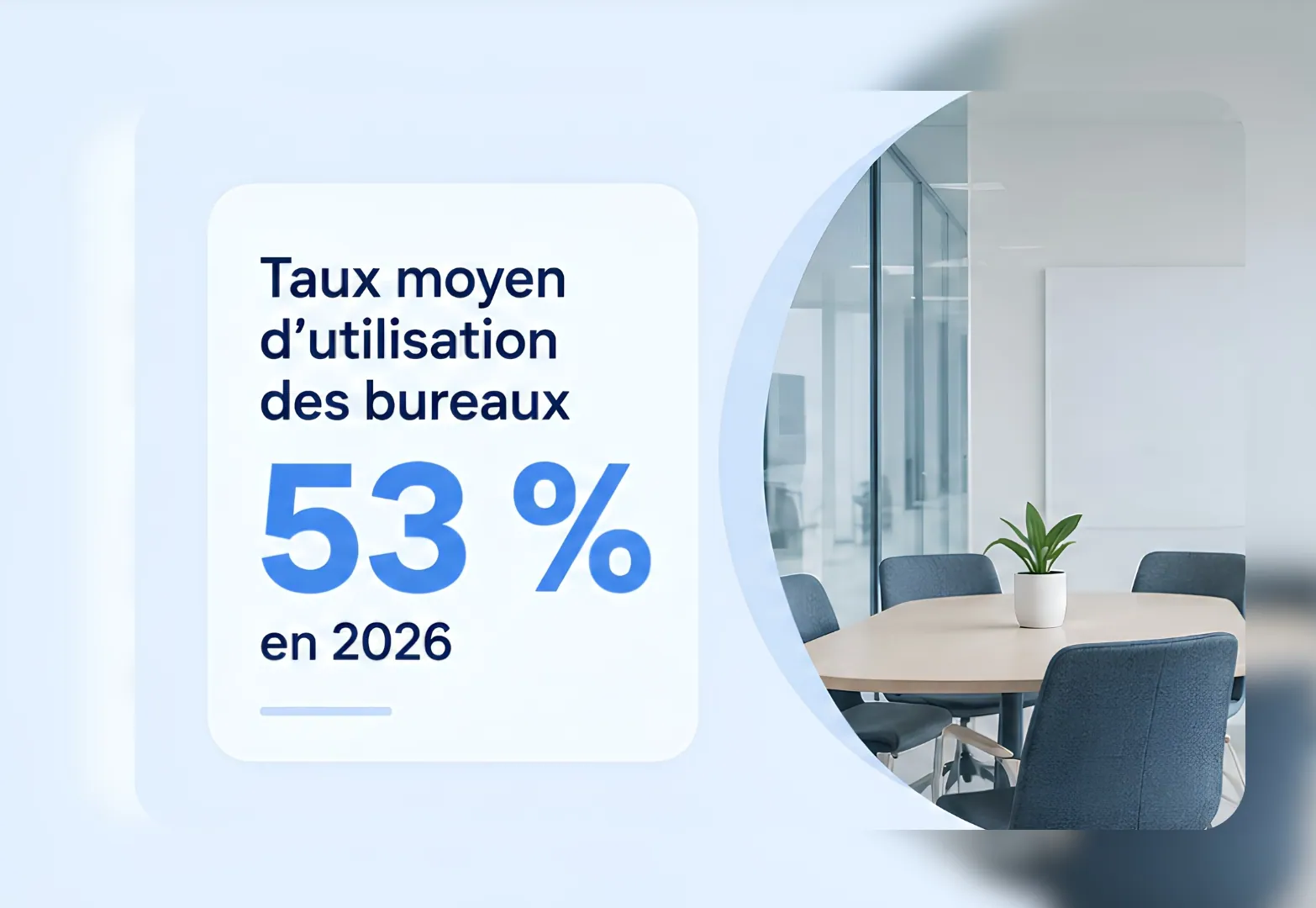
In 2026, offices are used at only 53% on average worldwide (CBRE). Measure occupancy to adapt your spaces to how they are really used.
Key benefits
Track the occupancy rate of your spaces
View attendance, bookings and office occupancy to understand usage and adapt your spaces to real footfall.
Day to day
-
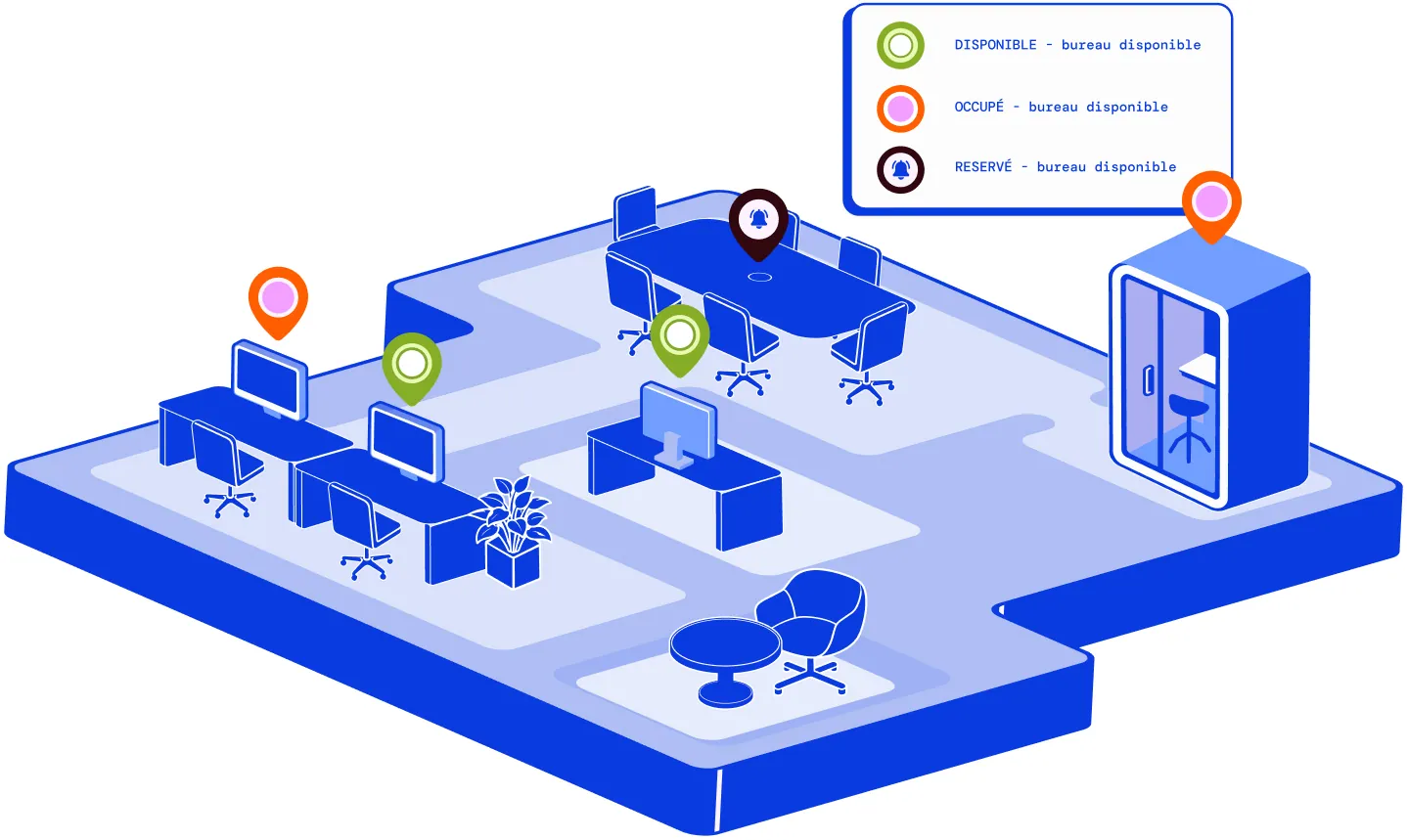
See availability at a glance
Spot available desks and rooms instantly.
-
Your data is hosted in France
Hosting in France and connection to your existing SSO.
-
Match floor space to usage
Size your square metres using occupancy data.
-
Monitor all your sites
Compare occupancy across your sites from a single dashboard.
-
Reduce your property costs
Identify underused spaces and optimise your floor area.
Flexible office: how many m² could you recover?
We ran the simulation for you: across an estate of 300 desks, 90 desks that could be released represent around 900 m² to optimise, or up to €480k in savings a year.
Assumptions: ratio of 0.7 desk per employee, 10 m² per desk, rent of €45/m²/month.

Hybrid working: anticipate office occupancy
Bookings and entry and exit badges update occupancy automatically. You anticipate peaks in attendance and adapt your spaces to the rhythm of on-site days.


How do you measure space occupancy day to day?
View occupancy by desk, floor, building or across several sites to adjust your spaces to actual attendance.
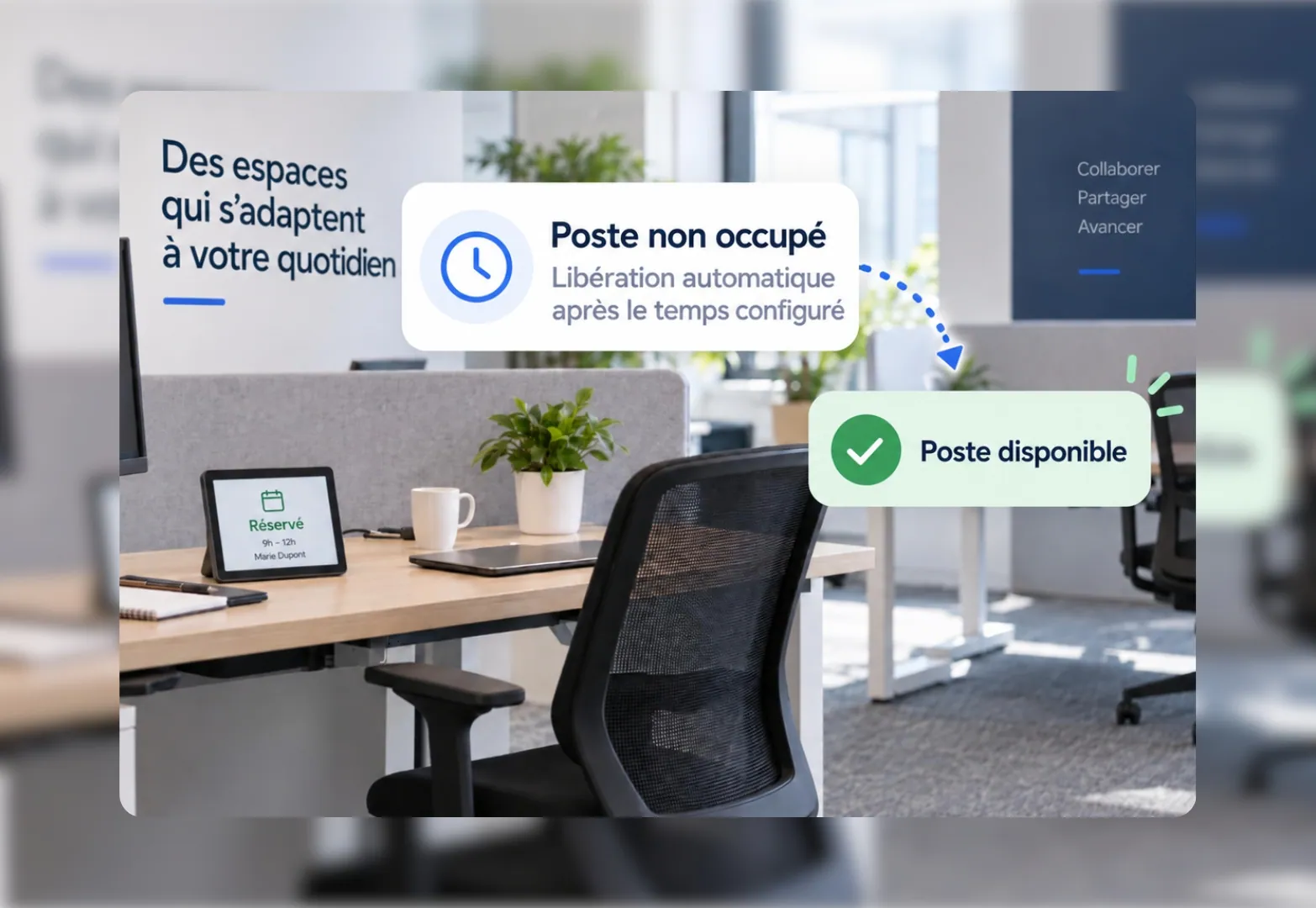
Flexible office: release unused spaces automatically
An unused booking is released automatically so the desk or room becomes available again.
Occupancy analytics across all your sites
Compare the occupancy rate by floor, building or site to size your spaces more accurately.
Roll out easily across all your sites
Data hosted in France and connection to your existing SSO make adoption easier.

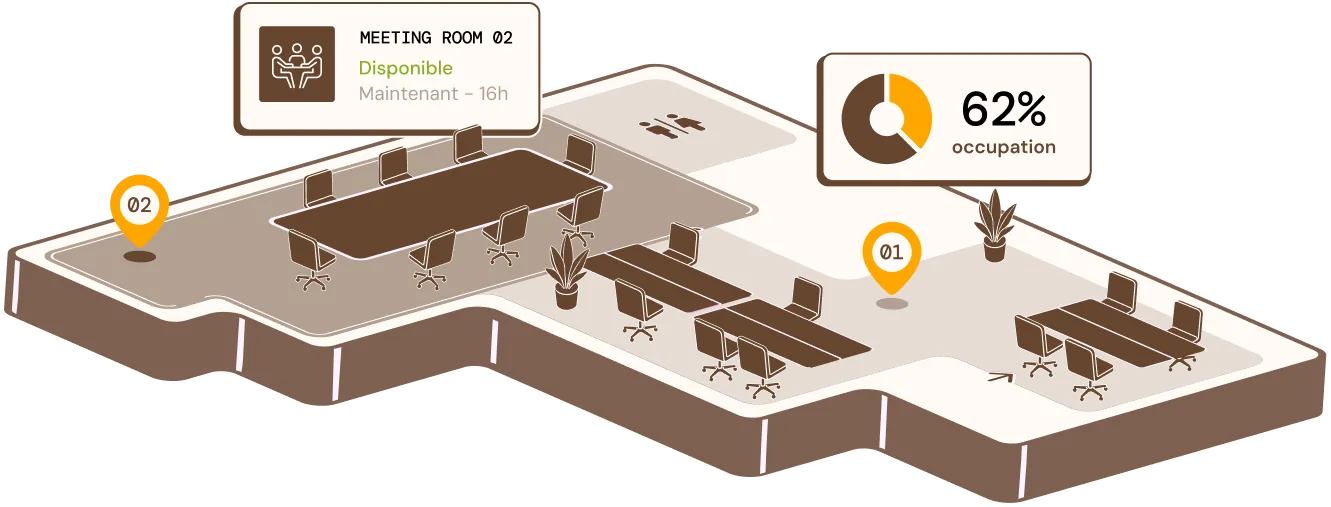
Hybrid working: measure occupancy across your spaces
Occupancy statistics are analysed by zone, floor or team to adjust spaces to usage and support hybrid working.
Do I need to install sensors to track occupancy in real time?
No. The data builds on the bookings and badges already in place. Sensors remain an option, not a prerequisite.
How is the declared occupancy rate used by workplace teams?
As a forward-looking signal, to adjust room capacity, catering or cleaning before the day itself. It complements badge data without replacing it.
Does this synchronisation improve occupancy rate tracking?
Yes. Every synchronised booking feeds your real occupancy statistics, with no manual re-entry, making your layout decisions more reliable.
Can occupancy data be used to track a specific employee?
No. Statistics remain aggregated by zone, floor or team, never linked to an individual.
Can flexible office desks and meeting rooms be tracked on the same dashboard?
Yes, on a single space-management dashboard, site by site.