

Workplace attendance: plan remote working and office days
3.7 days a week: that is now the average office attendance expected. Plan on-site and remote working days and see your teams' workplace attendance at a glance.
The employee attendance planning solution
1 in 5 employees works remotely every week
Hybrid working makes office attendance vary by day and by team, with a growing need to coordinate on-site and remote time. 01
010.6 to 0.7 desks
per employee in flex office (JLL).
 02
022 days
of remote working per week, the most common pattern.
 03
0319.7%
of employees work remotely at least one day a week.
Designed to adapt to every organisation
Check your team's schedule before planning your office days
Coordinate on-site and remote days, make team organisation easier and adapt your spaces to actual attendance.
Day to day
-
Declare your attendance days
Plan your office or remote working days in a few clicks.
-
Plan by the day or half-day
Adapt your attendance to your needs.
-
See who will be in the office
Check your team's schedule before deciding when to come in.
-
Book your desk
Choose an available desk for your attendance day.
-
Manage your spaces with data
Analyse occupancy to adapt your spaces to actual use.

Declare your workplace attendance in a few clicks
Simple, configurable rules keep the attendance schedule up to date:
Quick declaration: everyone updates their status from their personal space.
Active from day one: a new employee can declare attendance without any prior HR setup.
Automatic reminders: configurable reminders prompt employees to declare their status.
The centralised data then feeds team schedules and space management.


An attendance schedule connected to all your spaces
Declared attendance feeds team schedules, desk booking and space occupancy analysis.
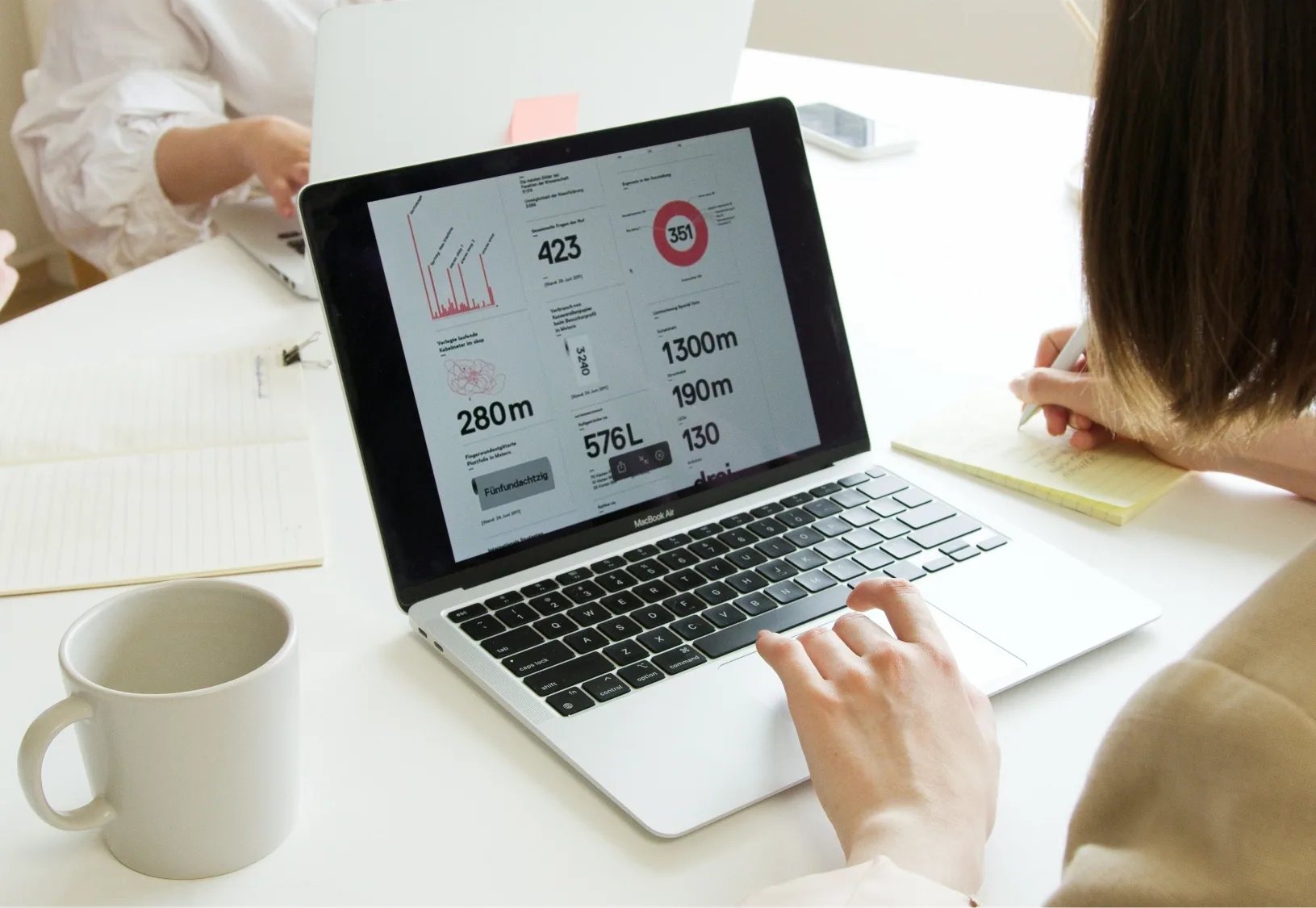
Analyse the occupancy of your spaces
Attendance declarations measure desk usage without manual counting. Analyse the data by period, zone or site to identify underused spaces.
Consolidated reports make it easier to compare sites and help you adapt your floor space to actual use.

Book your desk at any time, from any device
Once attendance is declared, employees book a shared desk directly in our flexible office software. A colour code shows available, occupied or already-booked desks at a glance, with no need to switch between screens. Booking remains possible from a computer or a smartphone, so there is no single checkpoint to pass through at the start of the day.
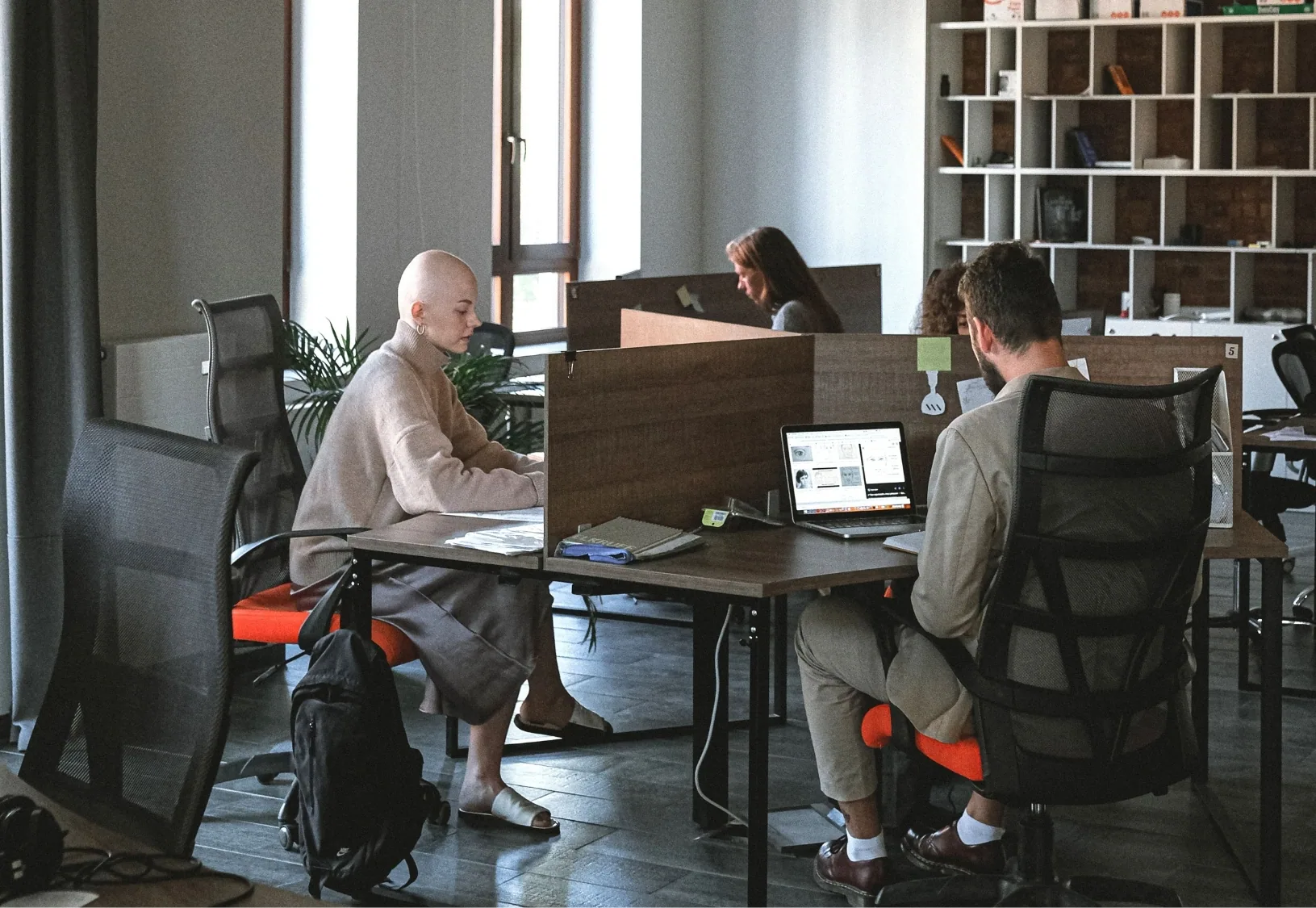
See your on-site and remote teams at a glance
The dashboard centralises attendance declarations in real time. Analyse them by building, department or period for a clear view of hybrid working.
Configurable alerts for each site help you identify unusual changes in attendance and anticipate space requirements.
Connect attendance to other workplace services
Book a demoFAQ
Frequently asked questions about workplace attendance and remote working
Cannot find your answer?
Contact usDo I have to declare my attendance every day?
No: declare your attendance in advance, for the coming week or month. You can change it up until the last minute, within your organisation's rules.
Can an employee change their declaration at the last minute?
Yes: edit your declaration up to the day itself. Your team sees the update immediately, with no validation delay.
Can attendance be declared by half-day?
Yes, if the organisation enables half-day granularity in the settings. By default, the declaration covers the full day.
Is a reminder sent if an employee has not declared their attendance?
An automatic reminder can be enabled, with a frequency and a team scope configurable by the Workplace Manager.
Does attendance declaration work without the mobile app?
Yes. The web interface covers the same statuses and the same synchronisation. The mobile app only adds optional site geolocation.
How long is attendance history retained?
The retention period is configurable at organisation level, in line with your internal data governance policy.