

Hybrid working schedule: see your on-site and remote teams at a glance
22% of private-sector employees in France now work remotely at least once a month, compared with just 4% before the public-health crisis (source: INSEE). Hybrid working is here to stay, but it still needs to be organised with clear, consistent rules that are actually applied. Hamilton Apps helps you turn these rules into a shared hybrid working schedule and apply them simply across the whole organisation.
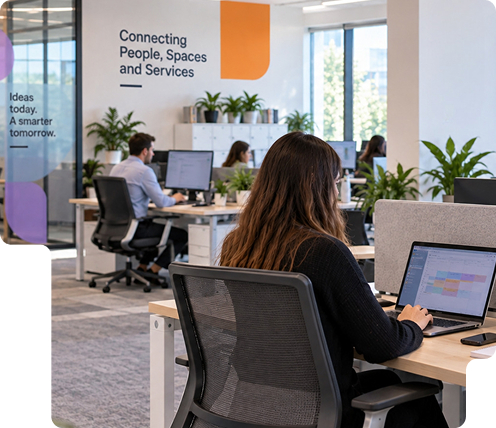
Hybrid working has become the norm. Organising it remains a challenge.
22% of employees work remotely
Hybrid working is here to stay and is transforming how teams and spaces are organised. 01
011.9 days
of remote working per week on average
 02
0255%
of agreements cap remote working at 2 days a week
 03
0363%
of managers work remotely at least once a month
DESIGNED FOR FLEX OFFICE ON EVERY SITE
How can you coordinate hybrid teams more effectively?
Defining a hybrid working policy is not enough if it stays in an internal document. Hamilton Apps turns your rules into concrete actions: alerts, checks and attendance tracking apply automatically, team by team, with no day-to-day manual management.
Day to day
-
Attendance days by team
Set mandatory or recommended days for each department or site.
-
Flexible remote working quotas
Set a maximum number of remote working days, adjusted team by team.
-
Calendar synchronisation
Attendance rules integrate directly with Outlook and Teams, without changing tools or your teams' habits.
-
History of applied rules
Find the attendance rules in force by team or by site for the chosen period.
-
Automatic team rotation
Organise several teams rotating through the same space, without manual scheduling.

Set remote working rules tailored to your organisation
Implementation relies on simple rules adapted to how each team or site works.
Anonymised attendance data, never individual: statistics remain aggregated by team or site and are never linked to a specific employee.
Rules applied from day one: each new employee automatically follows their team's rules, with no individual setup by HR.
Multi-site comparison from a single dashboard: compare compliance with attendance rules across your locations using the same indicators.
Once in place, the rules support day-to-day team organisation while giving a consolidated, company-wide view.


From hybrid working to flex office: manage your spaces too
Hamilton Apps brings hybrid working management, space booking and attendance tracking together in a single flexible office software, without multiplying tools. It is designed to adapt to the rules of each site and each team.

Measure office occupancy to size your spaces more accurately
The flexible office software turns hybrid working data into indicators you can act on directly. You can compare differences between sites, teams or periods, and adjust your remote working rules and the organisation of your spaces more easily.
Reports can be exported to Excel and integrated into your usual property reporting tools, without re-entry. Across several locations, you rely on the same indicators to compare sites and share a common view.
This insight makes it easier to decide on attendance rules, space capacity and layout based on concrete data rather than estimates.
Book a desk and plan your attendance days
Once their attendance is declared, employees can immediately book a desk that complies with their team's rules, for the full day, the morning or the afternoon.
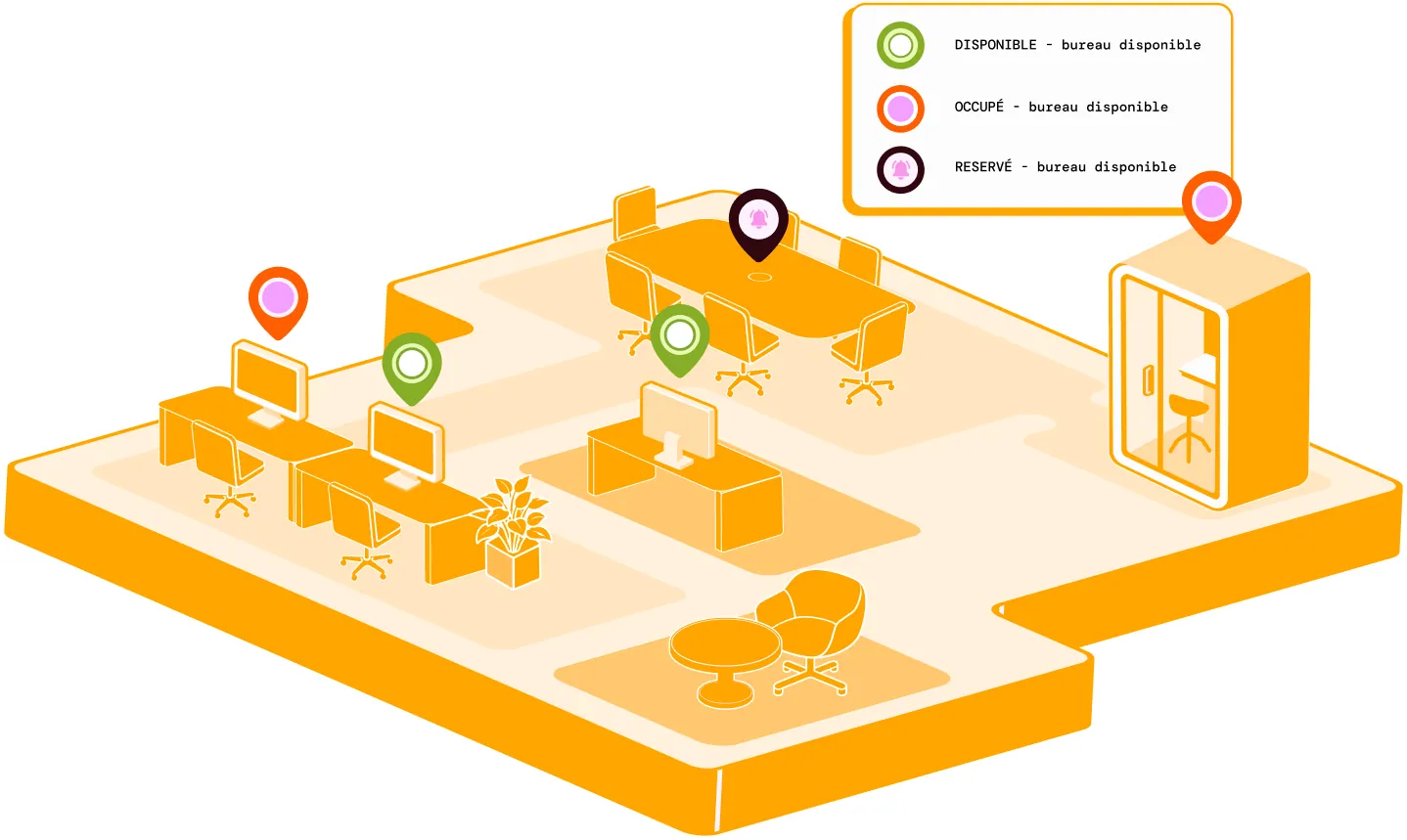
Each desk shows its status with a colour code: available, occupied or already booked. This visibility prevents double bookings between two members of the same team and makes available desks easy to spot.
Employees stay in control from their computer or smartphone, without having to use a fixed terminal or dedicated screen when they arrive on site. They can book, change or cancel their desk at any time.

Hybrid working: see who is in the office or working remotely
Every attendance declaration feeds a shared dashboard that can be viewed by team, department or period. HR can follow, day by day, who is on site and who is working remotely, without asking managers for spreadsheets or cross-checking several sources.
Data remains available over time and can be exported for a request from employee representatives, an HR audit or internal justification. It provides a factual basis for discussions about hybrid working and attendance rules.
Differences between planned and actual attendance appear directly in the dashboard, with no manual calculation. HR therefore has a clearer view to adjust rules, support teams and change the organisation if needed.
A workplace platform that goes beyond flex office
Book a demoHow are my hybrid working rules applied automatically?
The attendance days, quotas and rotations defined by your organisation are applied automatically to every declaration, with no re-entry or manual checks.
Can employees book their desk when remote working as well as in the office?
Yes, booking works for both statuses, on site or remote, from the same interface.
Can attendance data be used to track a specific employee?
No. Statistics remain aggregated by team, site or period, never linked to an individual.
Do I need an extra tool to track the hybrid attendance rate?
No, the data builds on the attendance declarations and the bookings already recorded, with no export or re-entry.
Does this declaration replace a remote-working agreement negotiated with employee representatives?
No. The tool provides operational attendance information, without replacing a collective agreement or its remote-working eligibility rules.