

Meeting room management: book, equip and monitor your rooms
8 in 10 employees waste time looking for an available room (Jabra, 2025). Hamilton Apps simplifies meeting room management: booking, equipment and related services, while freeing up unused slots.
Meeting rooms are evolving with new ways of working
94% of employees regularly use small meeting rooms
New ways of collaborating are changing room requirements, availability and management. 01
0194%
of employees regularly choose small meeting rooms (Jabra)
 02
02+35%
more meeting space in offices (CBRE)
 03
03-22%
energy use in rooms managed according to occupancy (Density)
Your employees' go-to booking habit
How can you make meeting room booking simpler?
Book a room directly from Outlook or Google Calendar, see availability in real time and add the equipment or services you need.
Day to day
-
Book from your calendar
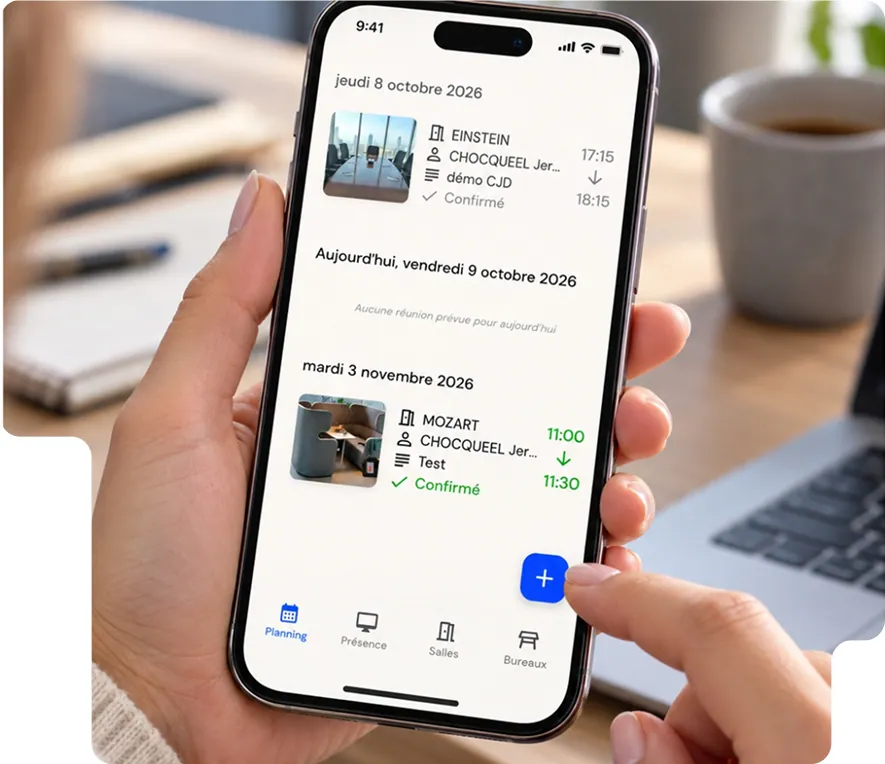
Book a room directly from Outlook or Google Calendar, without switching tools.
-
Find an available room
View availability by time, capacity or the equipment you need.
-
Add equipment and services
Add video conferencing, a screen, catering or other services to your booking.
-
Release unused rooms
Occupancy sensors automatically release rooms that are booked but empty.
-
See on-site days
Check team attendance schedules to organise meetings on days when your colleagues are on site.
Manage your meeting rooms in real time
From finding a room to analysing how it is used, access the essential features to book and optimise your meeting spaces.
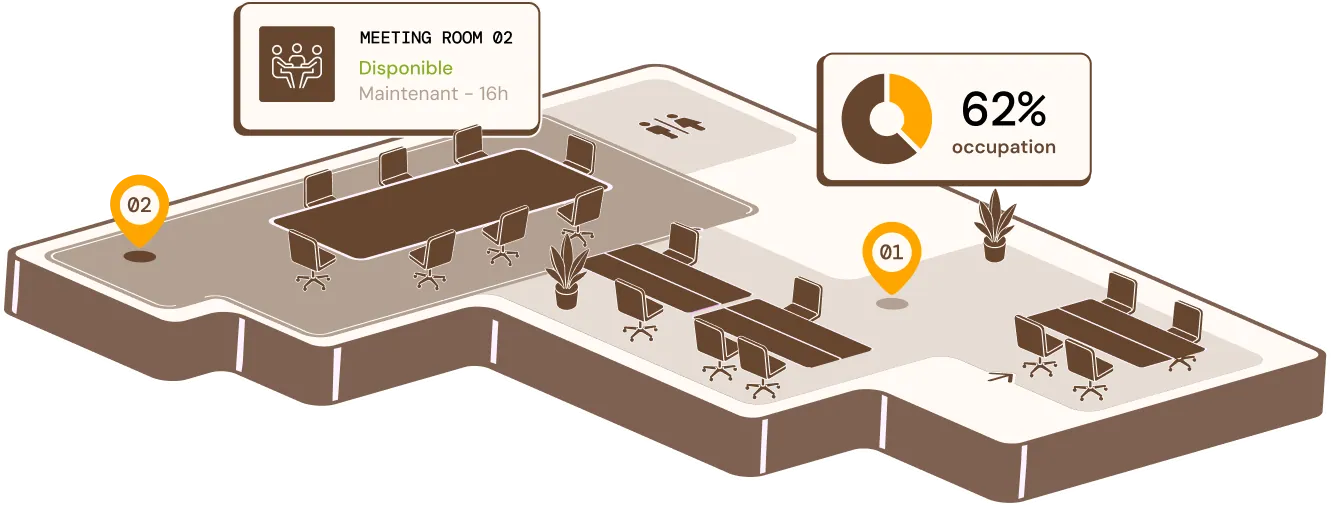
See resource availability in real time
See at a glance which rooms and resources are available or booked. Filter by capacity, equipment or floor to quickly find the right space for your meeting.


Book rooms directly from Outlook or Google Calendar
Create your meeting as usual and book your room directly from Microsoft 365 or Google Workspace, without switching tools.
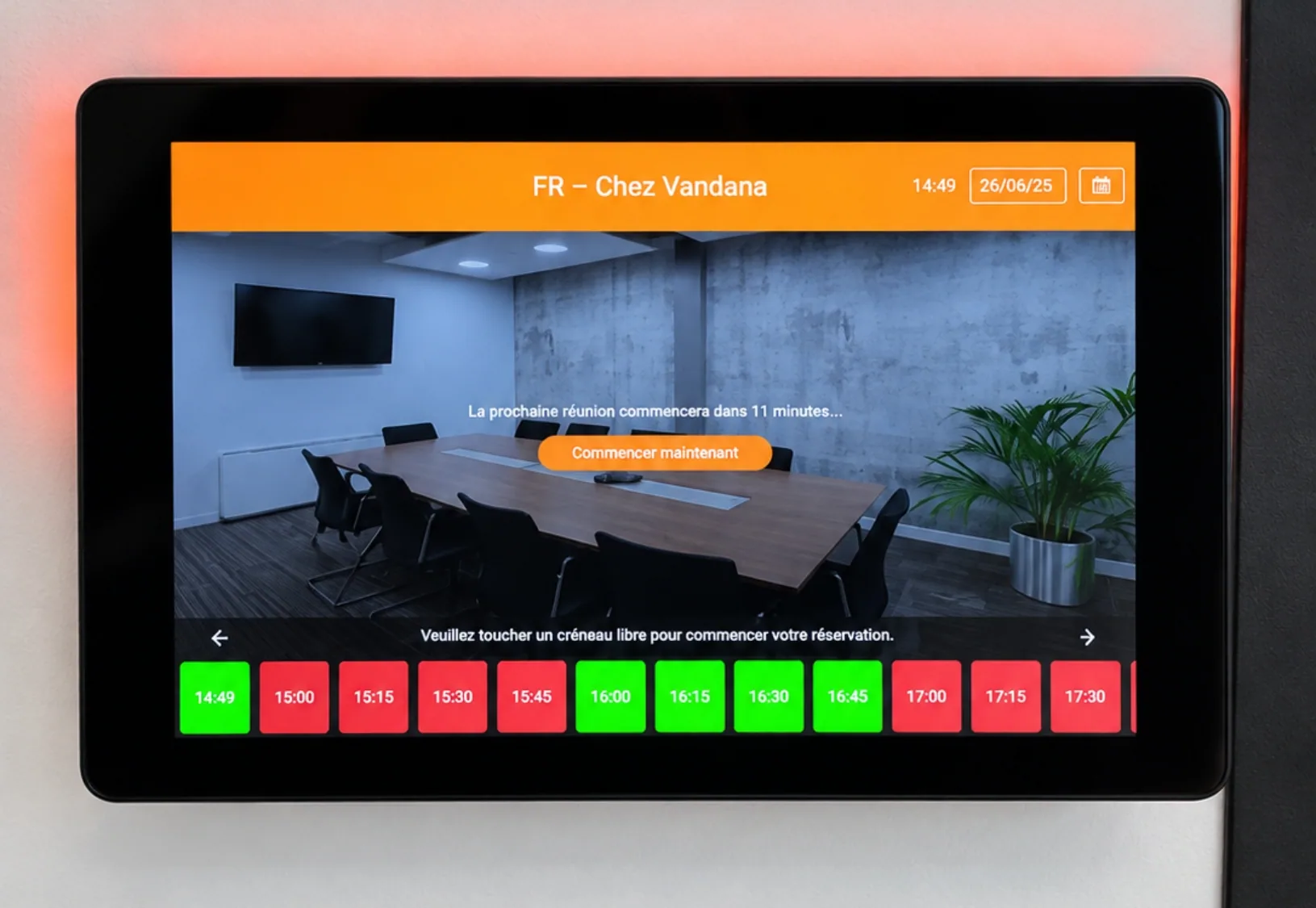
Book a room directly from the tablet
See the room's availability in real time and book it on the spot for an impromptu meeting. The schedule is automatically synchronised with your other booking tools.
Resource booking goes beyond meeting rooms: desks, equipment and services can also be managed from the Workplace platform.
Automatically release rooms that are booked but unoccupied
Detect rooms that are booked but empty using occupancy sensors and automatically make the slots available again. This improves room availability and occupancy rates.

Roles, priorities and room booking rules
Assign priority levels by profile, require approval for executive rooms and cap the number of bookings per user. Your large rooms remain available to those who really need them.
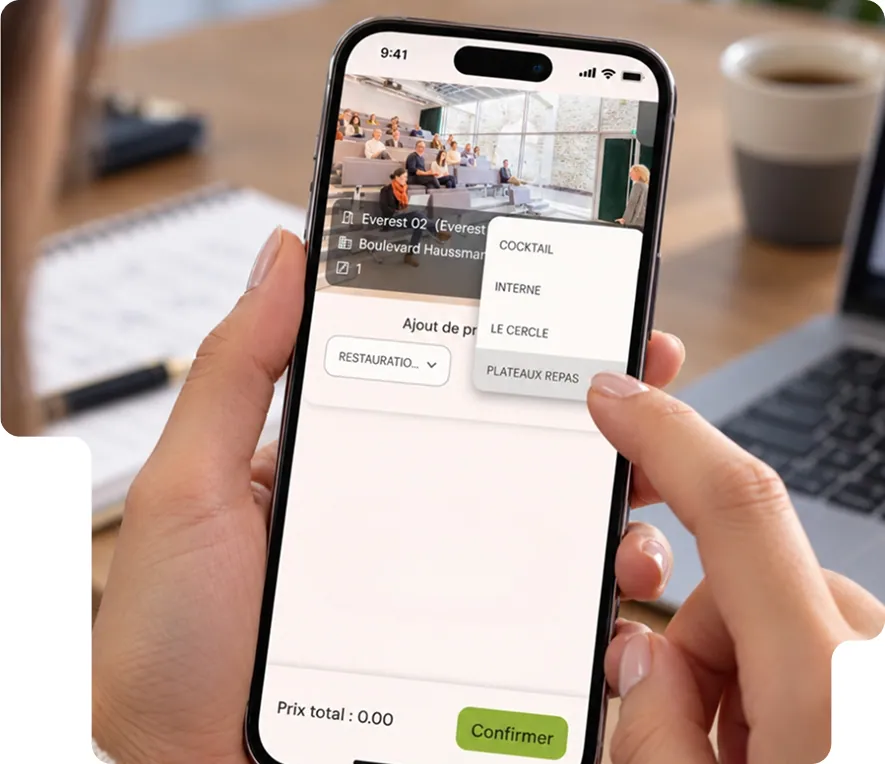
Add services directly to your room booking
Catering, equipment or visitor reception: add the services your meeting needs when you book, without multiplying requests.
Order services when you book
Add a lunch or extra chairs to your room booking.
Prepare for your visitors' arrival
Automatically pre-register the guests linked to the meeting to make their arrival smoother and inform reception.
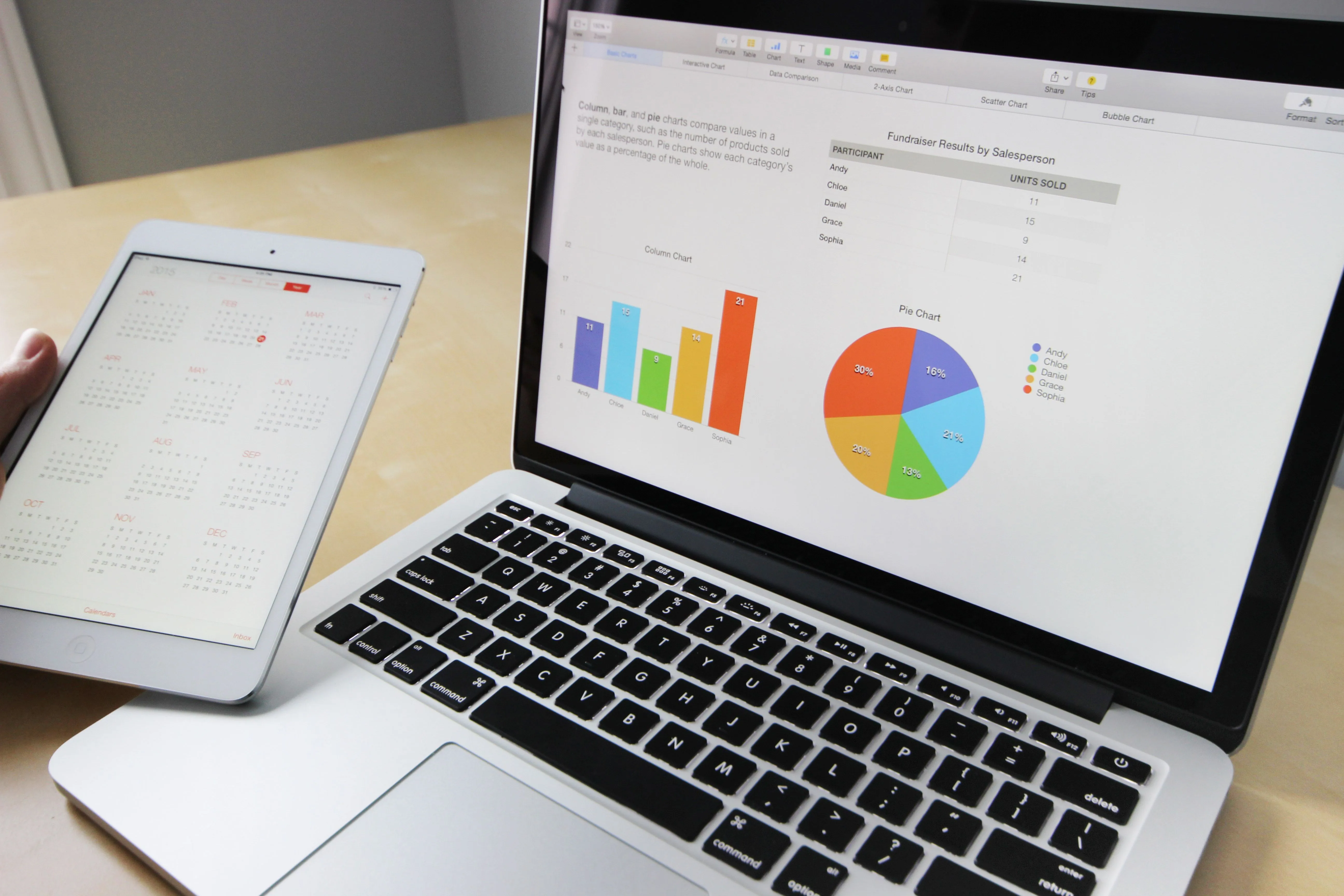
Data-driven meeting room management, down to energy use
Size your rooms according to actual use
Analyse occupancy and meeting sizes to adjust the number and capacity of your rooms.
Optimise occupancy and energy
Identify under-used rooms and adjust how they operate to actual occupancy: up to −22% energy consumption in rooms managed according to their use (Schneider Electric, 2025).
Related features
Book a demoHow do you book a meeting room with Hamilton Apps?
You can book from Outlook or Google Workspace, in the mobile app, on the room tablet or directly in the platform.
How does meeting room booking software prevent double bookings?
All rooms share a single reference calendar that is updated in real time. If someone requests a time slot that is already booked, the request is declined or flagged to the organiser, who is shown similar rooms available at the same time.
Can I book a room from a mobile or a tablet outside the room?
Yes. You can book from a computer, mobile or tablet installed at the room entrance. The on-site display shows the room's current status and lets you book the next time slot in seconds.
What happens if nobody turns up to a booked meeting room?
When the room is fitted with presence sensors, the no-show meeting is detected and automatically cancelled. The room becomes available again for other colleagues.
How can requests to other services during meetings be limited?
By centralising requests in the booking itself: catering, furniture and welcoming external guests are attached to the booked slot, with no email exchanges between departments.