

Meeting rooms and visitor management: book a room, welcome your guest independently
1 to 5 minutes to register a visitor on arrival (ASIS).
Plan ahead: book the room, pre-register your guest and prepare their badge to make their arrival smoother.
Key benefits
Simplify how you welcome external guests to your meetings
Book the room, pre-register your guest and prepare their badge in a single journey.
Day to day
-
Invite your visitor in one click
Add your guest when booking the room and pre-register their visit.
-
Prepare their arrival
Notify reception and share the information needed to welcome your guest.
-
Let them check in independently
On arrival, your guest identifies themselves at the kiosk.
-
Book with your usual credentials
Book your room and invite your visitor through your SSO.
-
Manage your spaces across multiple sites
Track rooms, visitors and usage from a single environment.
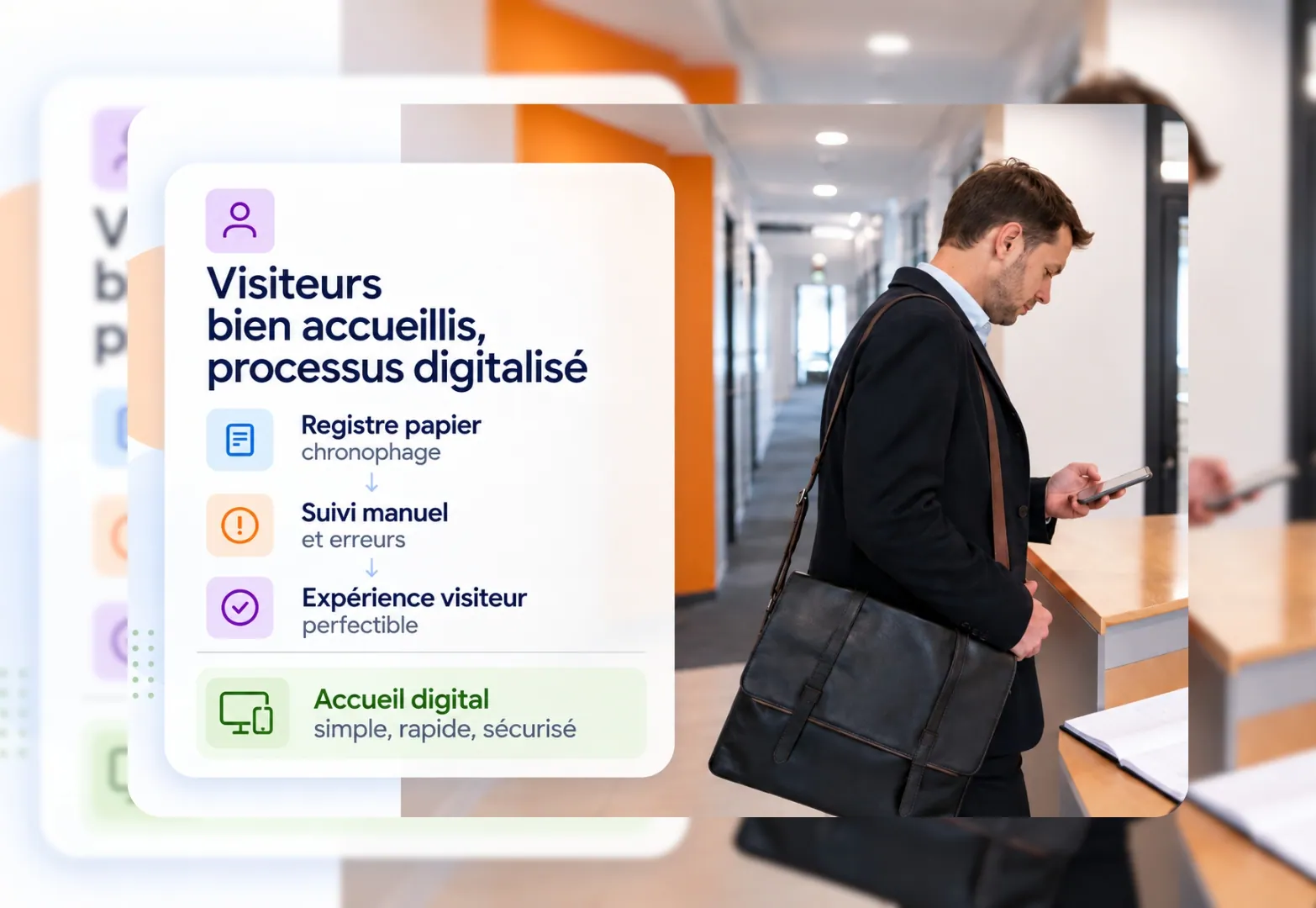
3 months: control how long visitor data is kept
Digitalise visitor reception and set the retention period for their data according to your rules. The settings apply easily across your different sites to simplify the monitoring and management of visitor data.
Pre-registration, visitor badges and access tracking fit into a single journey. Your teams save time and your guests enjoy a smoother welcome from the moment they arrive.


How do you book a room and prepare your guest's welcome?
Book your room, pre-register your guest and prepare their badge in a single journey. On arrival, they identify themselves and their host is notified automatically.
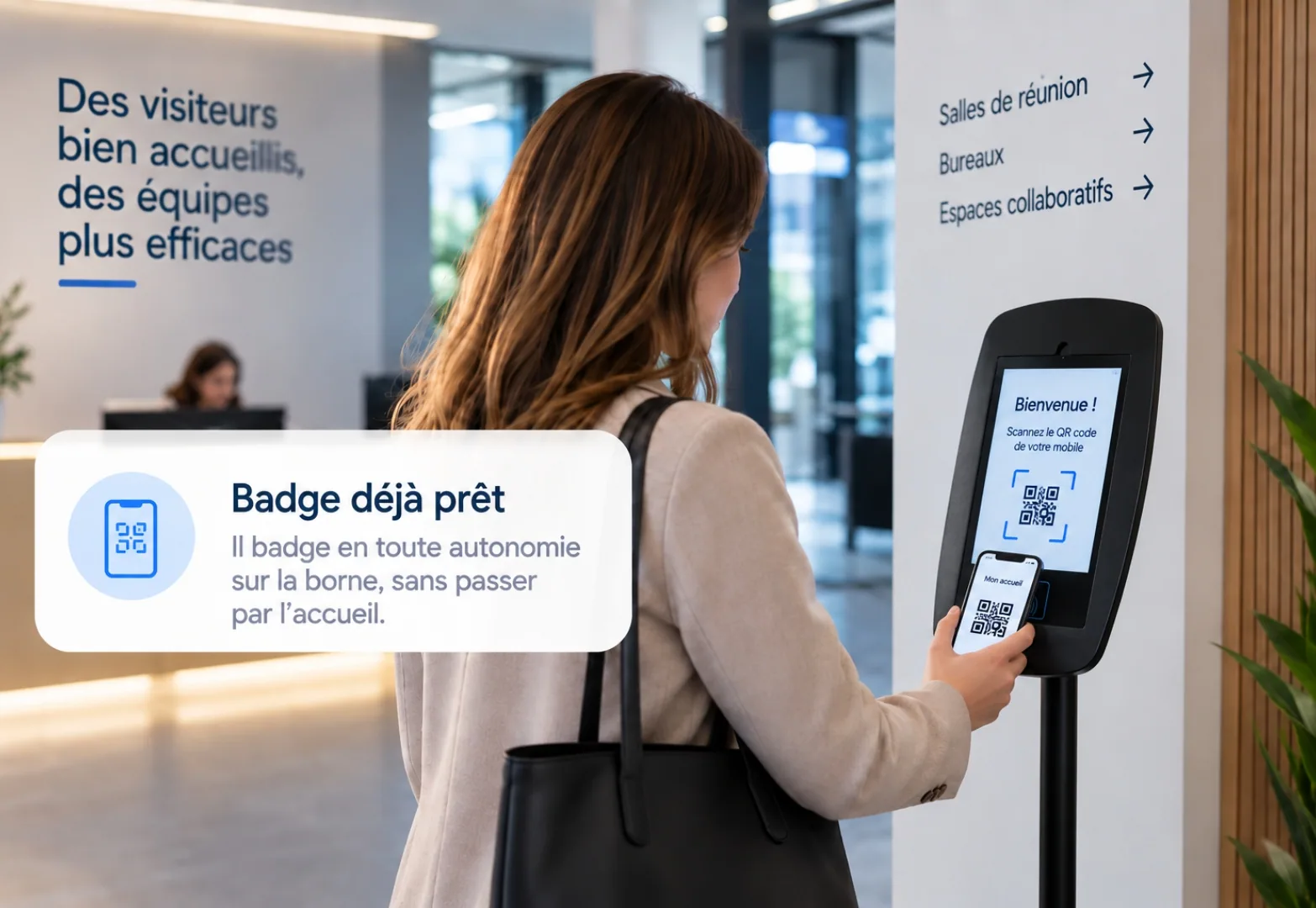
One platform to book the room and welcome your guest
Book the room, add your guest and prepare their badge from a single environment. On arrival, they identify themselves at the kiosk and access the site independently.
FAQ
Frequently asked questions about meeting rooms and visitor reception
Can't find your answer?
Contact usHow do I invite a customer or an external partner to a meeting?
From Hamilton Apps, when booking the meeting room. Add your external guest: they receive an invitation with directions and the meeting time.
Does Hamilton Apps integrate with Outlook and Teams?
Yes. The meeting room booking and the external guest's invitation appear directly in the calendar, with no additional account to create.
Do I need to notify reception or facilities?
No. The invitation, the badge and the access are managed from Hamilton Apps, with no extra call or email to facilities.
What happens to access if the meeting is cancelled or the guest is late?
The badge and the access are automatically deactivated if the meeting is cancelled. The meeting room itself is released if nobody shows up.
How can requests to other services during meetings be limited?
By centralising requests in the booking itself: catering, furniture and welcoming external guests are attached to the booked slot, with no email exchanges between departments.