

Outlook meeting room booking: reserve a room in Outlook or Teams
80% of employees waste time looking for an available meeting room (Jabra). With Hamilton Apps, book your room directly from Outlook or Teams and see availability in the tools you already use.
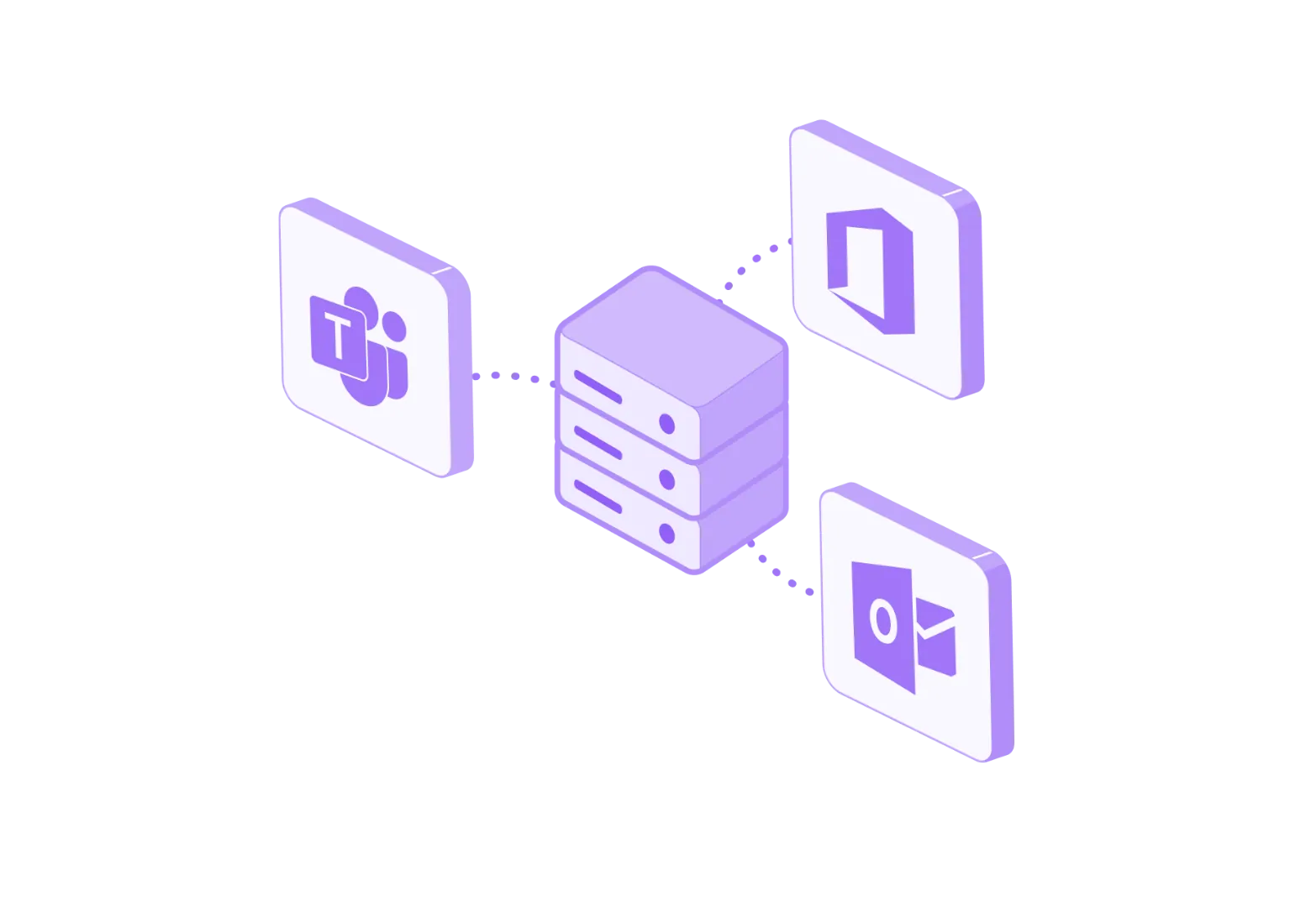
Key benefits
Simplify meeting room booking
Employees see available rooms in their everyday tools. With Outlook and Teams, they can book, change or cancel a room without changing how they work.
Day to day
-
Book a room from Outlook and Teams
Employees book meeting rooms directly from the tools they already use.
-
Connect SSO and your corporate directory
Employees access the service with their usual credentials, thanks to SSO and corporate directory integration.
-
Avoid double room bookings
Synchronised availability limits booking conflicts between different tools.
-
Make adoption easier for employees
Booking fits into existing working habits in Outlook and Teams and is easy to pick up.
-
Analyse how your rooms are used
Booking data helps you track meeting room usage and manage your spaces more effectively.
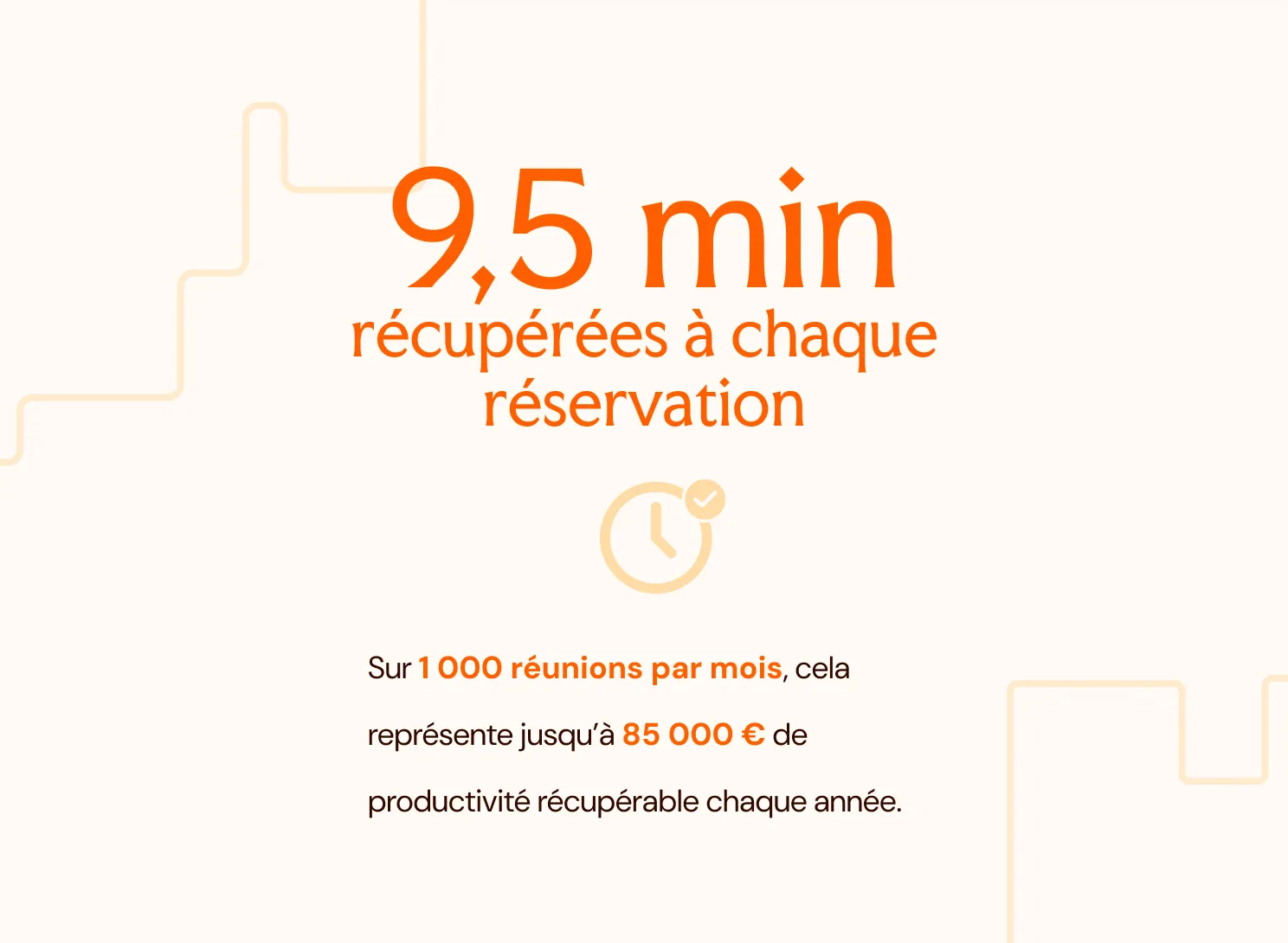
9.5 minutes saved per booking with Outlook and Teams
Booking a meeting room in Outlook or Teams means no switching between tools. For IT, integration with SSO and the corporate directory also simplifies deployment and administration.
1,000 meetings/month = up to €85,000 in estimated annual productivity*
Source: Qatalog & Cornell University Idea Lab.
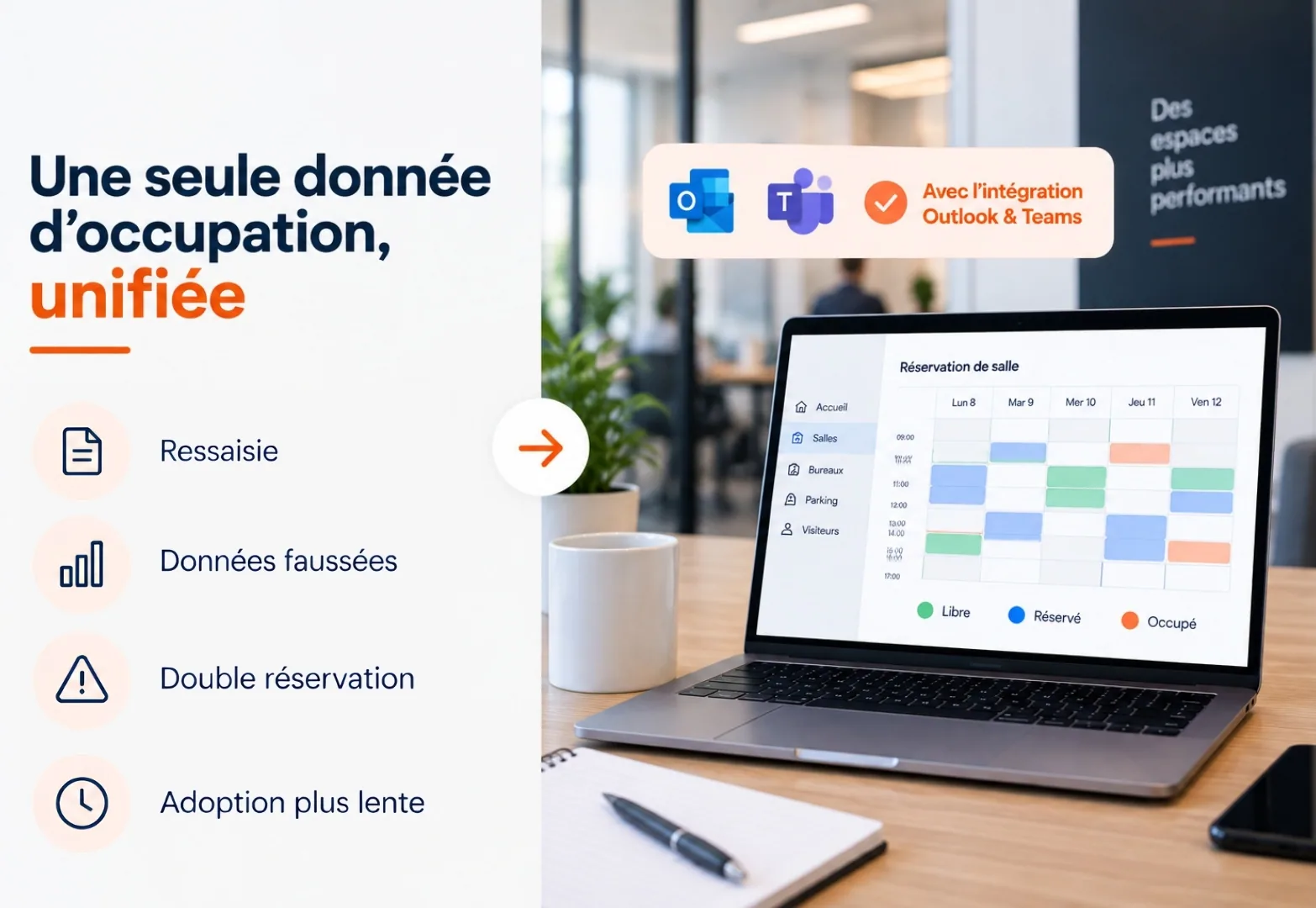
Usage data to manage your spaces better
Centralise booking data from Outlook and Teams to track the occupancy rate and desk-sharing ratio, and manage your spaces more effectively.


How do you synchronise bookings between Outlook, Teams and Hamilton Apps?
Book from Outlook, Teams or Hamilton Apps: your bookings and availability are synchronised automatically.
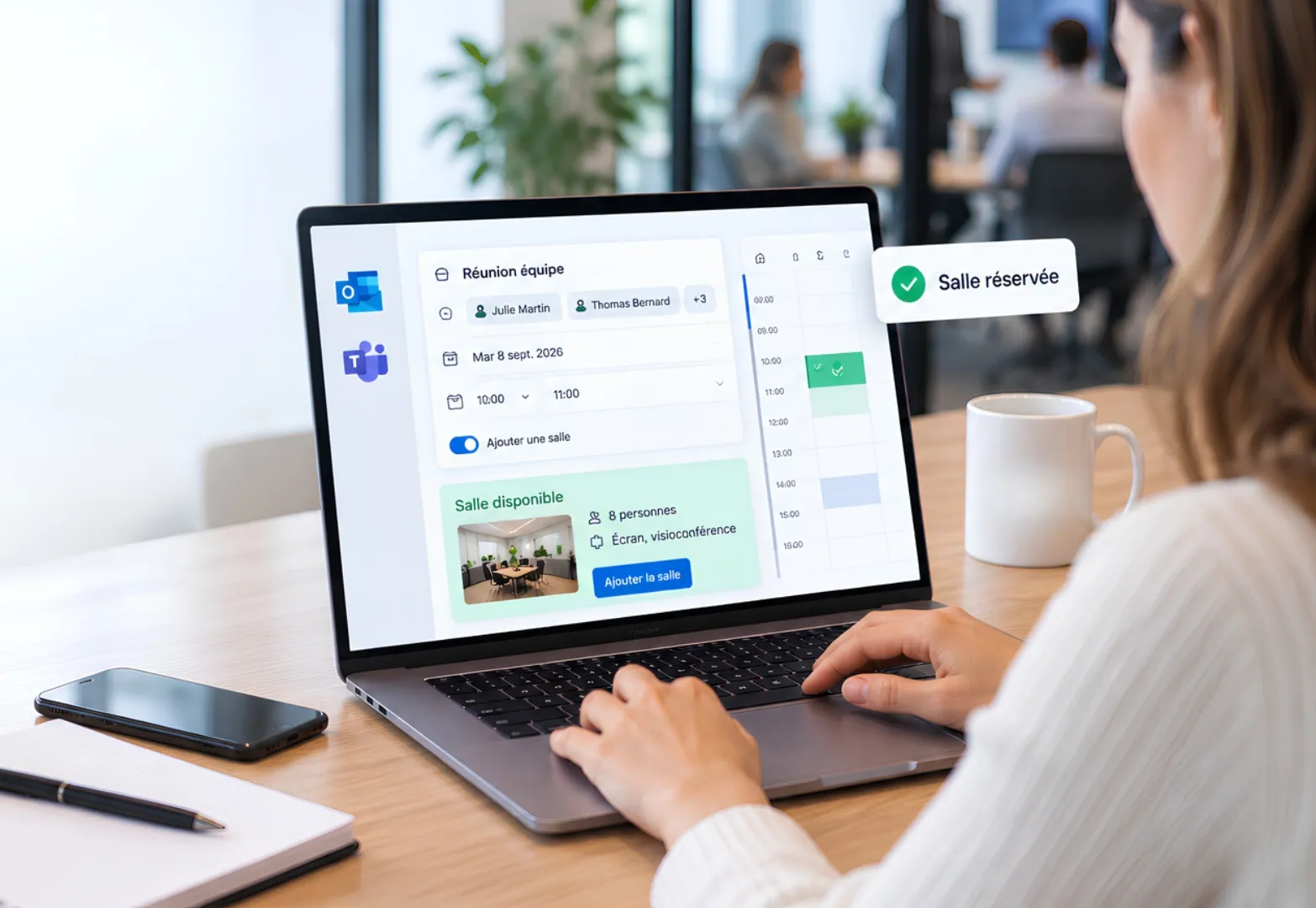
Meeting room booking in Outlook, without changing your habits
From their usual calendar, employees book a room or desk in a few clicks. Outlook and Teams remain their everyday tools, for immediate adoption.
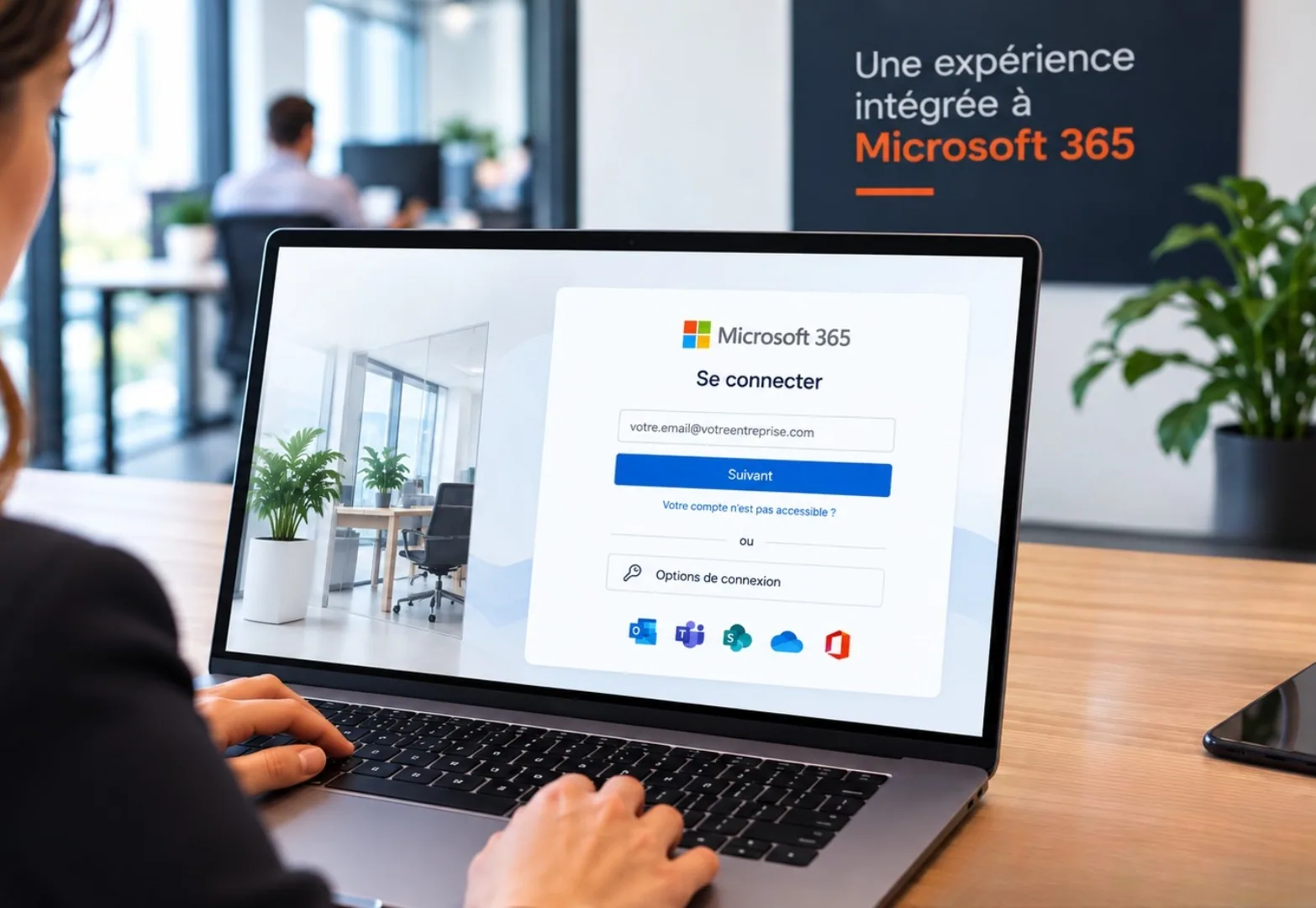
Simpler deployment for IT
Integration with Microsoft 365, SSO, Azure AD and the corporate directory fits into your existing environment and simplifies day-to-day administration.
FAQ
Frequently asked questions about booking with Outlook and Teams
Cannot find the answer you need?
Contact usDoes the software synchronise with Outlook and Teams?
Yes. You can add a room directly from an Outlook or Teams invitation without entering the details twice. It appears in every participant's calendar, the video meeting link is added automatically, and any changes or cancellations are synchronised both ways.
Do I need to create a specific account to use this synchronisation?
No. The integration relies on the Microsoft 365 authentication already in place in your company. No additional account or password is required.
Can I book a meeting room directly from my Outlook calendar?
Yes, without opening another application. The availability of meeting rooms and desks appears directly in your email when you create the invitation.
Does this integration work for meeting rooms and flexible office desks alike?
Yes. Synchronisation applies to both types of booking, with the same gesture from Outlook or Teams, whichever site is concerned.
What happens if I change a booking in Teams?
It is automatically reflected in Hamilton Apps, with no extra action on your part. The room or desk stays booked for the new times.