

Desk and parking booking: book your flex office desk in seconds
0.6 to 0.7 desks per employee: this is the ratio most commonly used in flex office (JLL). When desks are shared, booking yours before you come in makes it easier to organise days on site. With Hamilton Apps, everyone can find and book their desk before they arrive.
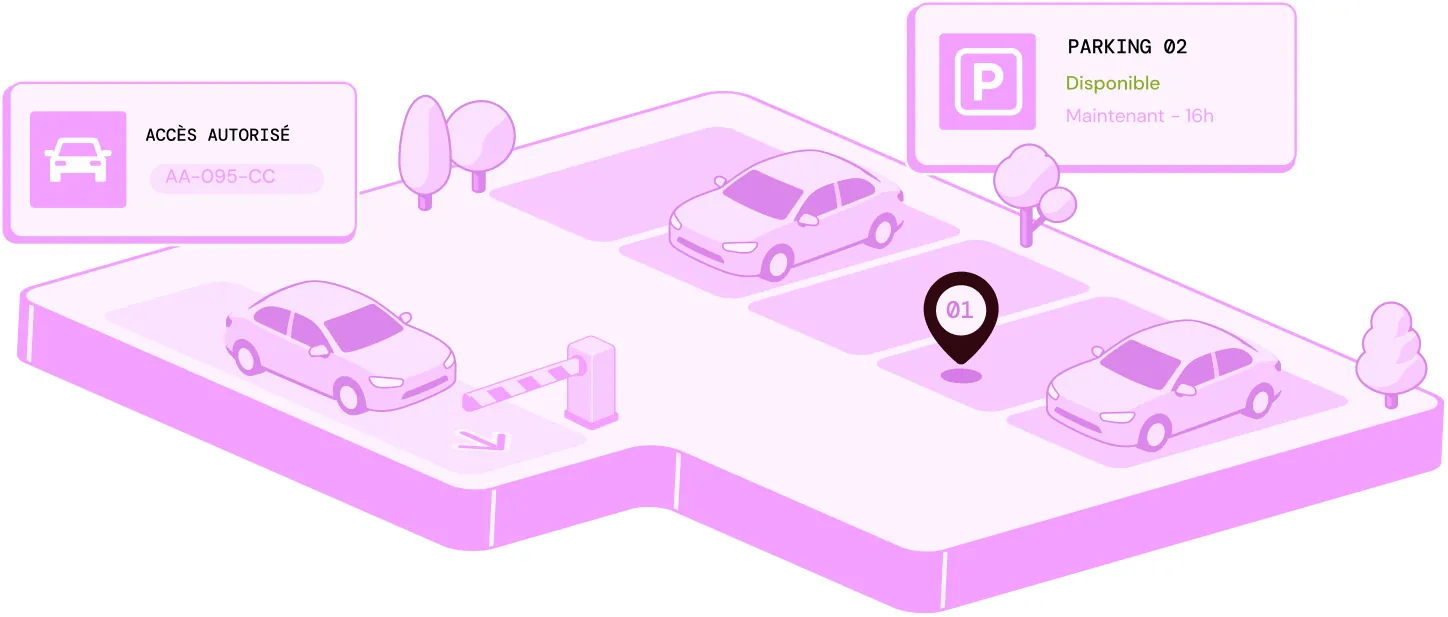
ORGANISE YOUR FLEX OFFICE, FROM SHARED DESKS TO THE CAR PARK
36% of employees
arrive late because of parking difficulties (source: Working Life, March 2026). 01
01≈ €11,000/year
per workstation (IDET, 2024).
 02
02€88/month
for a secure car park space (Proprilib, 2026).
 03
030.6 to 0.7 desks
per employee in flex office (JLL).
DESIGNED TO ADAPT FLEX OFFICE TO EVERY ORGANISATION
How can you simplify flex office desk booking?
Manage desk bookings from a single interface, with real-time availability and rules tailored to each site. Car parking can complete the journey, depending on the services offered in your buildings.
Day to day
-
Book your flex office desk
Choose your desk for the day or the week, based on availability.
-
Prepare visitor reception at the car park too
Pre-register their visit and make it easier for them to access the car park when they arrive on site.
-
Book from the mobile app
Book, change or cancel your desk from your smartphone.
-
Sync with Outlook, Teams, Microsoft 365 or Google Workspace
Your booking appears automatically in your calendar, with no duplicate entry or switching between apps.
-
Manage flex office across all your sites
Apply your booking rules and find all your spaces in a single interface.
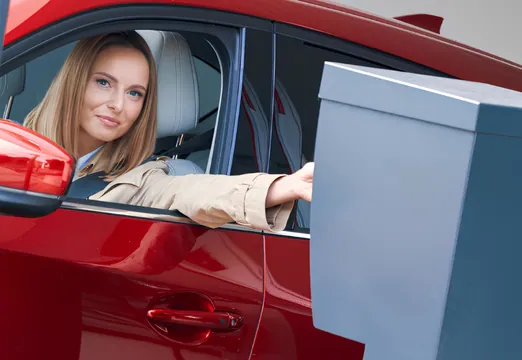
Prepare visitor reception at the car park too
When a visitor comes by car, register their vehicle in advance to make their arrival easier. Visitor and vehicle details are brought together to prepare their access to the car park.
Register the vehicle before arrival
Enter the registration number when pre-registering the visitor.
Prepare their car park access
Link the vehicle to the visit to make arrival easier, in line with your site's access rules.
Track entries and exits
Keep a record of vehicles welcomed on site as they come and go.


Prepare your office day in a few steps
Employees choose their office day, book their desk and find their booking in their usual tools. If a visitor is expected by car, their arrival and car park access can also be prepared in advance.

Get the car park ready for your visitors
When a visitor comes by car, their vehicle can be registered in advance along with their visit details. When they arrive, reception has everything needed to make their access to the car park easier.
Register the vehicle and its registration number when pre-registering the visitor.
Link the vehicle to the visit to prepare their arrival on site.
Track entries and exits to keep a record of vehicles welcomed on site.
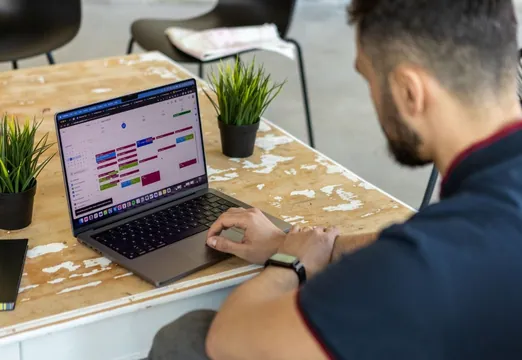
Choose your office days with your team
In hybrid working, knowing when colleagues will be in often shapes the choice of an office day. Before booking your desk, you can:
See your team's attendance days to choose when to come in.
Book near your colleagues to make it easier to work together on site.
Spot the days when most of your team is in, to coordinate office days more effectively.
Desk booking is built into the attendance schedule, making it easier to organise days on site.
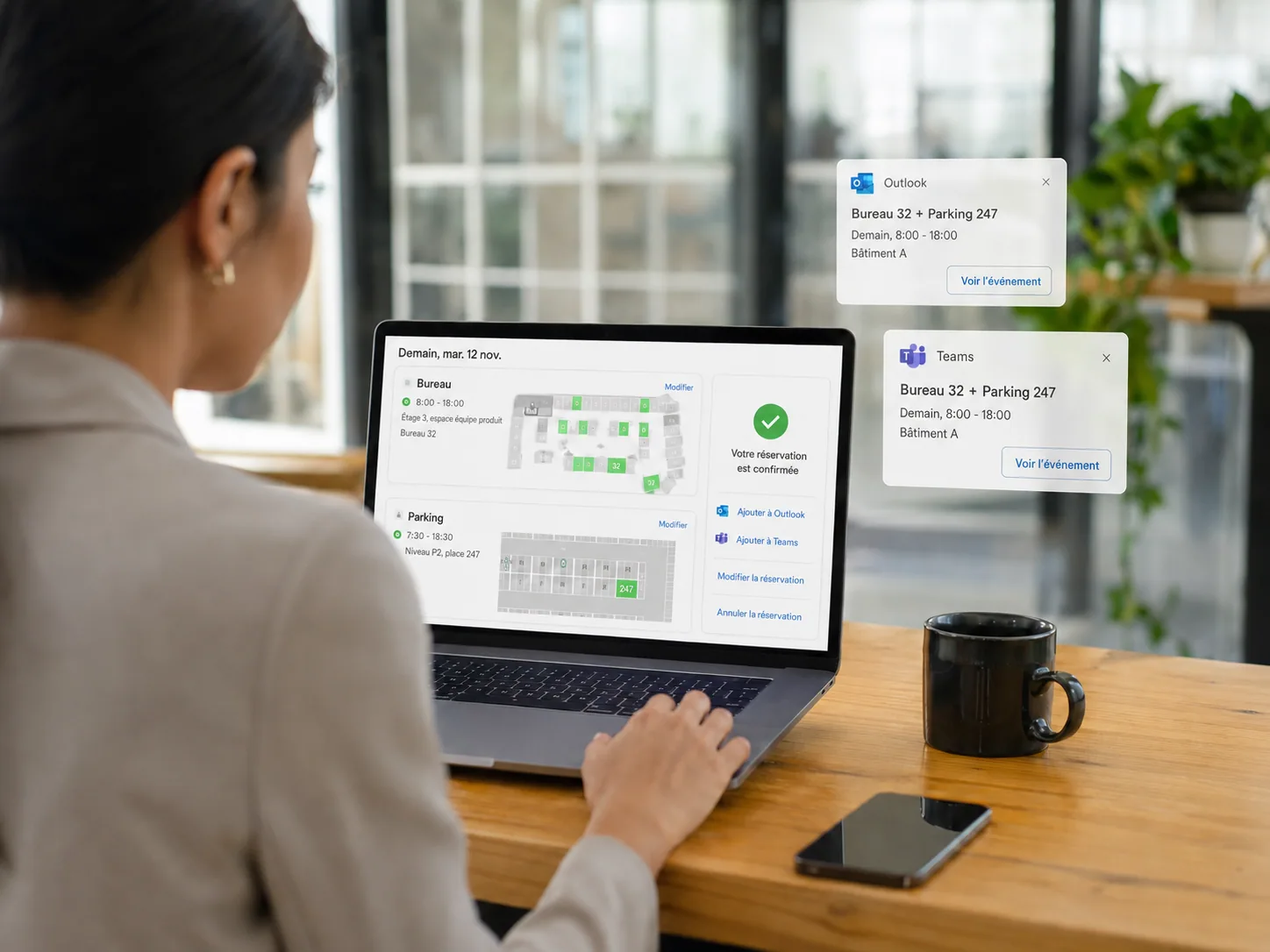
Integrate flex office with Microsoft 365 and Google Workspace
Outlook, Teams or Google Workspace: Hamilton Apps integrates with your working environment to simplify bookings without adding more tools.
Discover features related to flex office
Book a demoFAQ
Frequently asked questions about desk and car park management
Cannot find your answer?
Contact usHow do I book a shared desk in a flexible office?
From the Hamilton Apps application, on mobile or computer. View the map of available desks and book in one click.
Can a shared desk be booked in advance?
Yes, several days ahead. Ideal for anticipating the days when the team is most present.
Can a visitor and their vehicle be pre-registered at the same time?
Yes. Hamilton Apps lets you pre-register the visitor and their vehicle in a single journey, to prepare both their welcome and their car park access. The information is therefore available before they arrive on site.