

Desk booking software: book your desk in seconds
Book your flexible office desk in seconds
With our desk booking software, find an available desk and book it from your computer or mobile. Everyone knows where to sit before they arrive at the office.
0.7 desks per employee
A benchmark ratio for sizing flexible office space. Source: JLL.
Key benefits
Flexible office: find your desk before you arrive
Book your desk from the tools you already use, find it in your calendar and keep the same journey across all your sites.
Day to day
-
Book your desk in a flexible office
From your computer or mobile, in seconds.
-
See your booking in Outlook, Teams and Google
Your booked desk appears directly in your calendar.
-
Book desks across all your sites
The same booking journey, whatever the building.
-
Track the occupancy rate of your spaces
View occupancy by floor, building or site.
-
Optimise your workspaces
Adjust your floor space based on occupancy data.
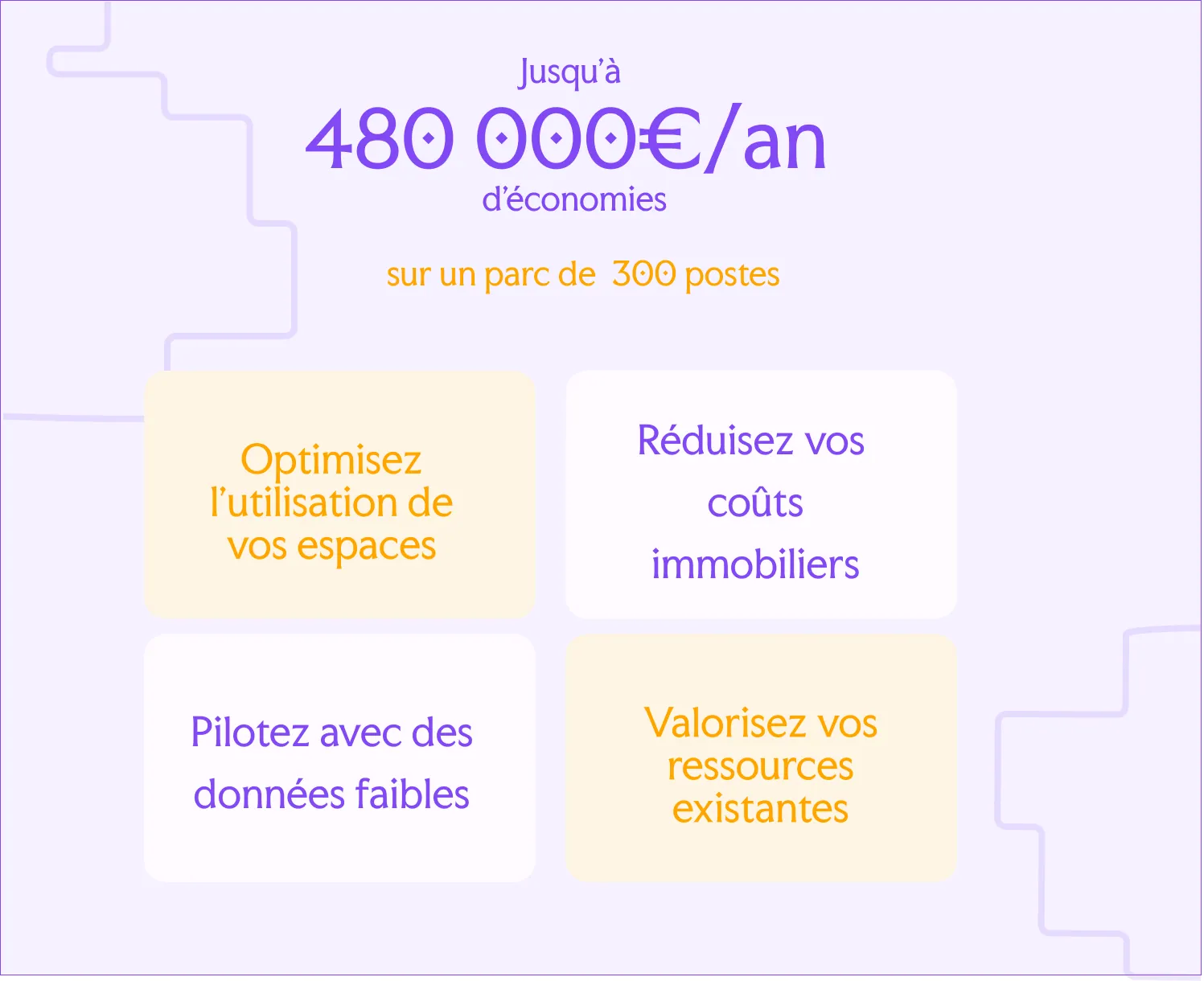
Real-time workspace management
View the occupancy rate by floor, building or site and spot underused spaces.
Identify unused bookings, adjust your property portfolio and size your floor space to match actual use.
Up to €480,000 saved per year on a 300-desk portfolio.
Assumptions: JLL, ARSEG and Leosquare.


Find and book your desk in seconds
See available desks in real time, choose your workstation and book it from your computer or mobile.

Used every day, easy to get started
Desk booking integrates directly with the tools your teams already use. From Outlook or Teams, employees book their desk and find the booking in their calendar.
A familiar journey that makes flexible office working easier to adopt day to day.

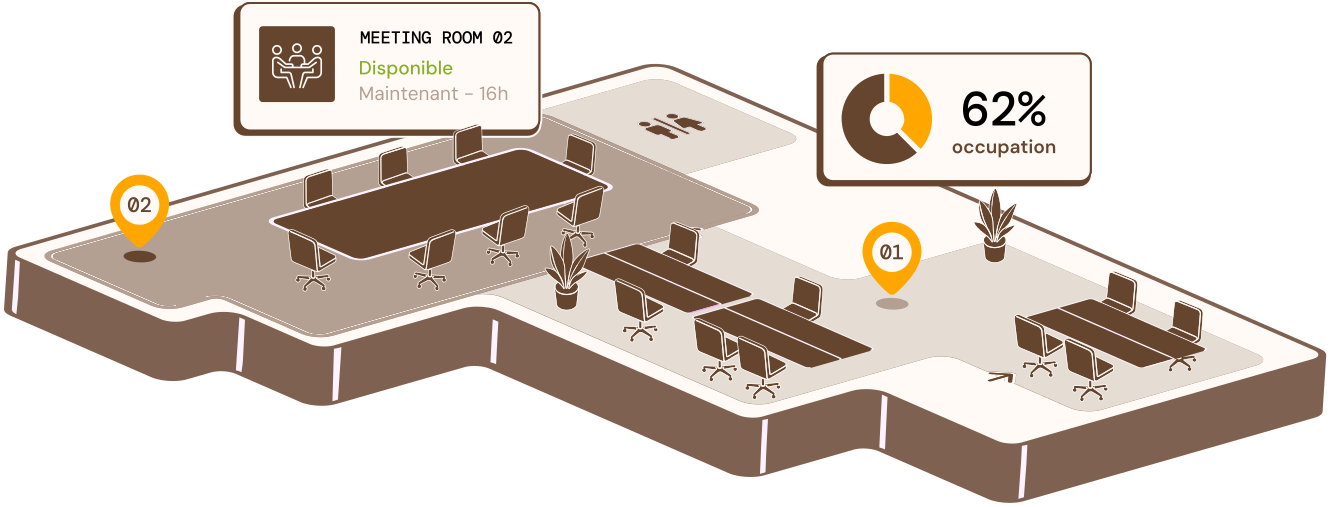
Book a shared desk in 3 steps
View available desks on the interactive floor plan and choose your desk by floor, area or equipment.
Choose your desk
Spot available desks on the plan instantly.
Book your desk
Confirm your booking from your computer or mobile.
Find it in your calendar
The booking is synchronised with Outlook or Teams.
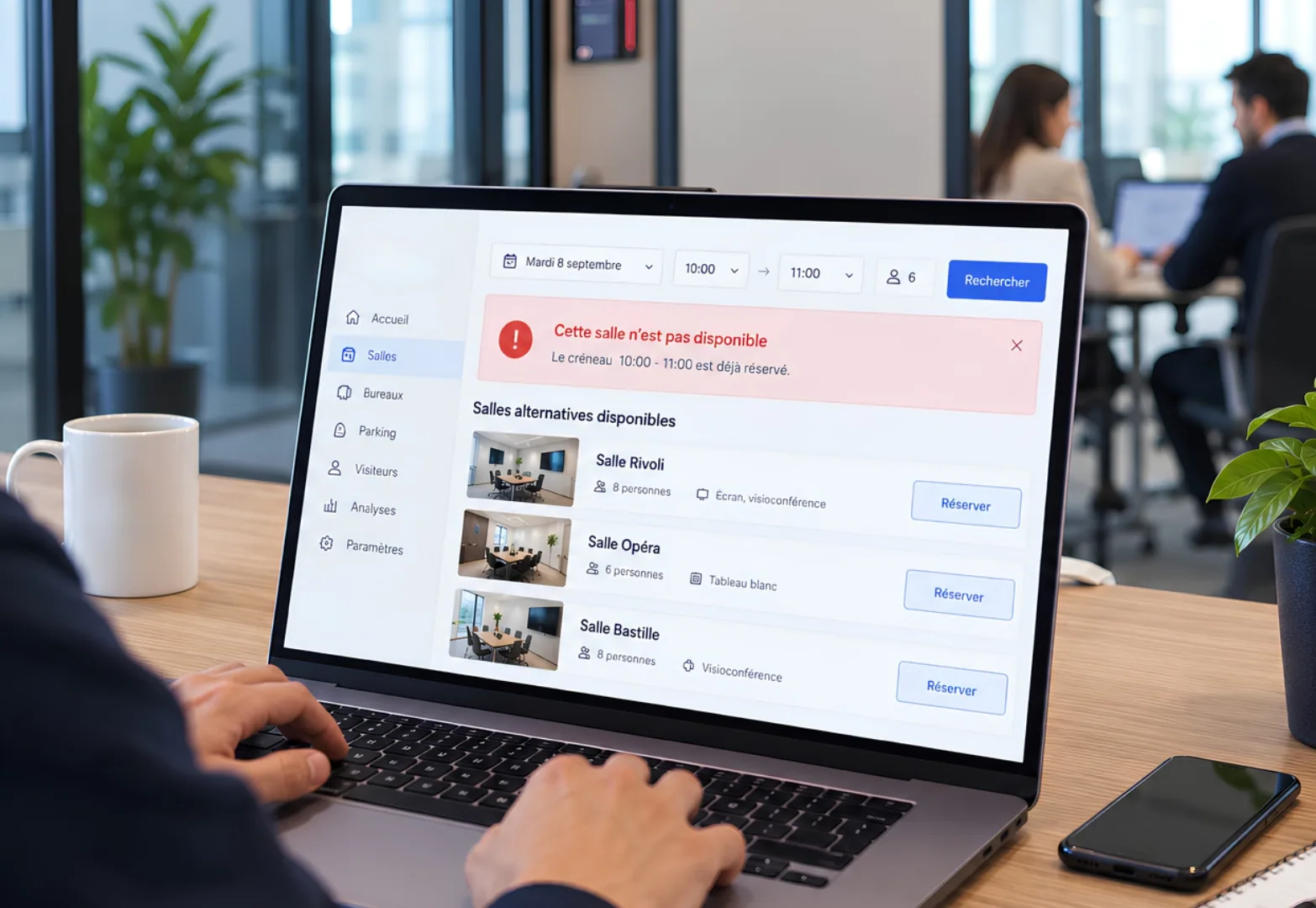
Automatic alert for booking conflicts
If the slot is already taken, the employee is alerted immediately and the double booking is avoided.
Rooms available at the same time can be suggested so that an alternative can be booked quickly.
How do I book a shared desk in a flexible office?
From the Hamilton Apps application, on mobile or computer. View the map of available desks and book in one click.
Can a shared desk be booked in advance?
Yes, several days ahead. Ideal for anticipating the days when the team is most present.
Does the desk booking app work on mobile?
Yes, booking is available from the desk booking app as well as from a computer.
What happens if a booked desk is not occupied?
It can be released automatically after a set period, so it does not stay blocked unnecessarily.
Does Hamilton Apps replace a flexible office policy?
No. The application makes it easier to apply a policy already defined by the company on a daily basis. It does not replace it. However, the company's flexible office rules can be recorded in the solution.