

Meeting room booking software without double bookings
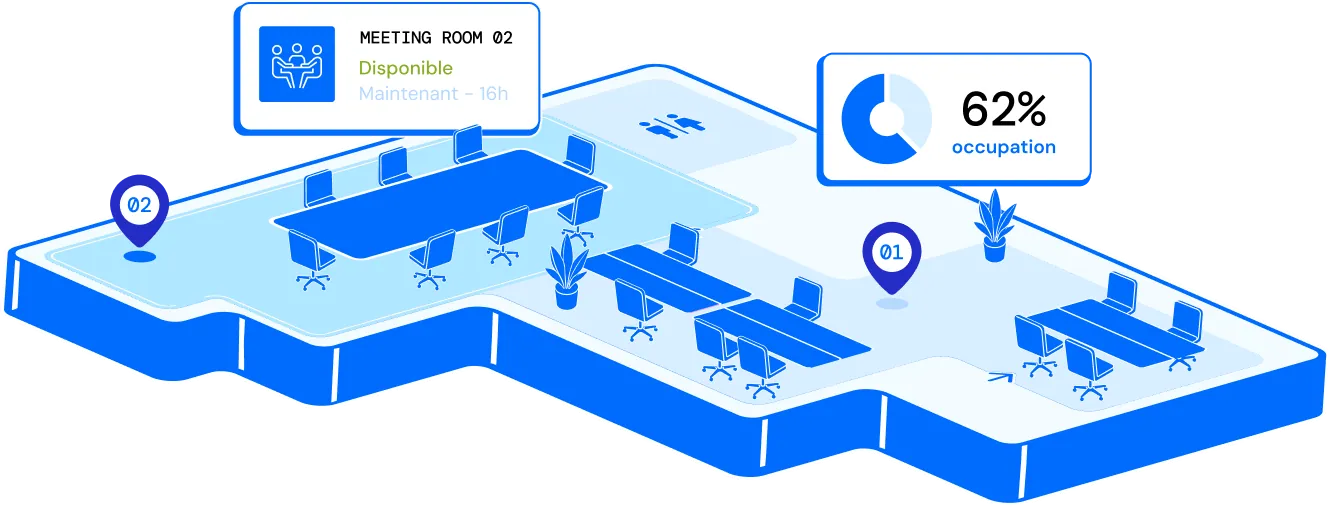
A room blocked in two calendars, a client waiting outside a closed door, a team forced to fall back on a corner of the office at the last minute: double-booked meeting rooms waste time and damage your organisation's image. A meeting room booking system connected to your calendar tools removes the problem at source by giving every employee a reliable, real-time view of available rooms.
Key benefits
Five measurable outcomes in the first few weeks
Meeting room booking stops being a corridor issue: conflicts disappear, support teams are relieved and you manage your spaces on real data.
Day to day
-
No booking conflicts
The system refuses any request for a slot that is already taken: duplicate bookings become structurally impossible.
-
Fewer support requests
Facilities and IT teams are no longer the default arbitrators of room disputes.
-
A better image with clients
External meetings start in an available, clean and equipped room, not in the corridor.
Over time
-
A real view of occupancy
Bookings and attendance data inform how you size your floor space, which is useful in flexible offices.
-
Natural adoption by teams
Everything can be managed from Outlook and Teams: there is no new tool to learn.
The problem with conflicting bookings
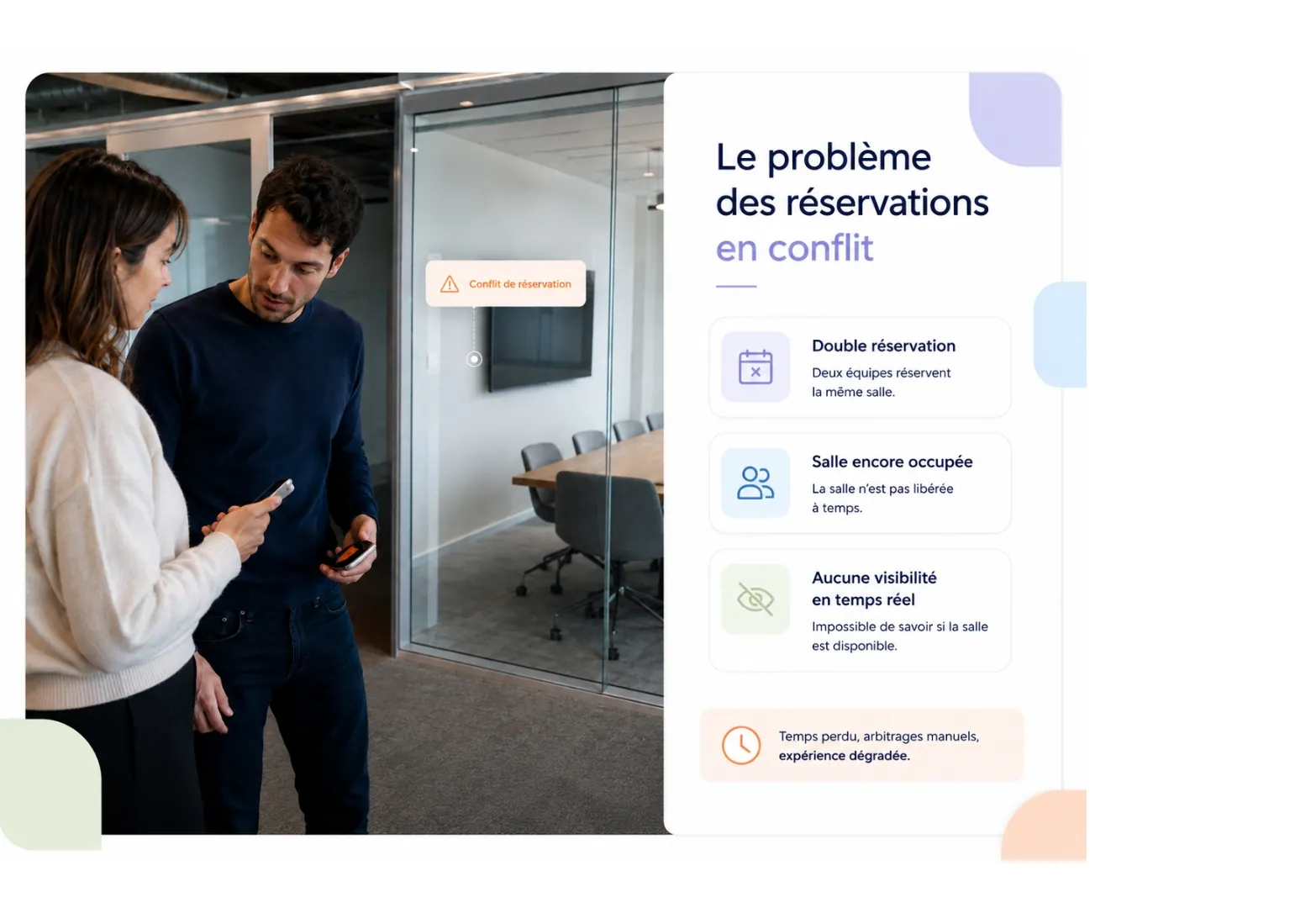
In most organisations, booking a meeting room still relies on a mix of spreadsheets, emails and informal habits. Two colleagues book the same room without knowing it, one meeting overruns and delays the next, or a room booked long in advance is 'released' by a colleague in a hurry who finds nobody inside. The result is always the same: lost time for teams, constant arbitration for facilities and IT, and a poorer experience whenever a client or partner is on site. This disorder gets worse as the organisation grows and with hybrid working. On a multi-floor or multi-site estate, nobody has an overall view of how rooms are actually used. A manager blocks a room for the whole day 'just in case', a salesperson books a slot and then cancels it without telling anyone, and the room still shows as occupied when it is available. Meeting room management then becomes a daily irritation rather than a problem solved once and for all, and the human cost adds up: time lost searching for an available space, meetings that start late, and tension between teams competing for the same resource.


How it works
Before a meeting, you check which rooms are available, book in one click from Outlook or Teams, and are alerted if a slot is already taken.
Real-time availability
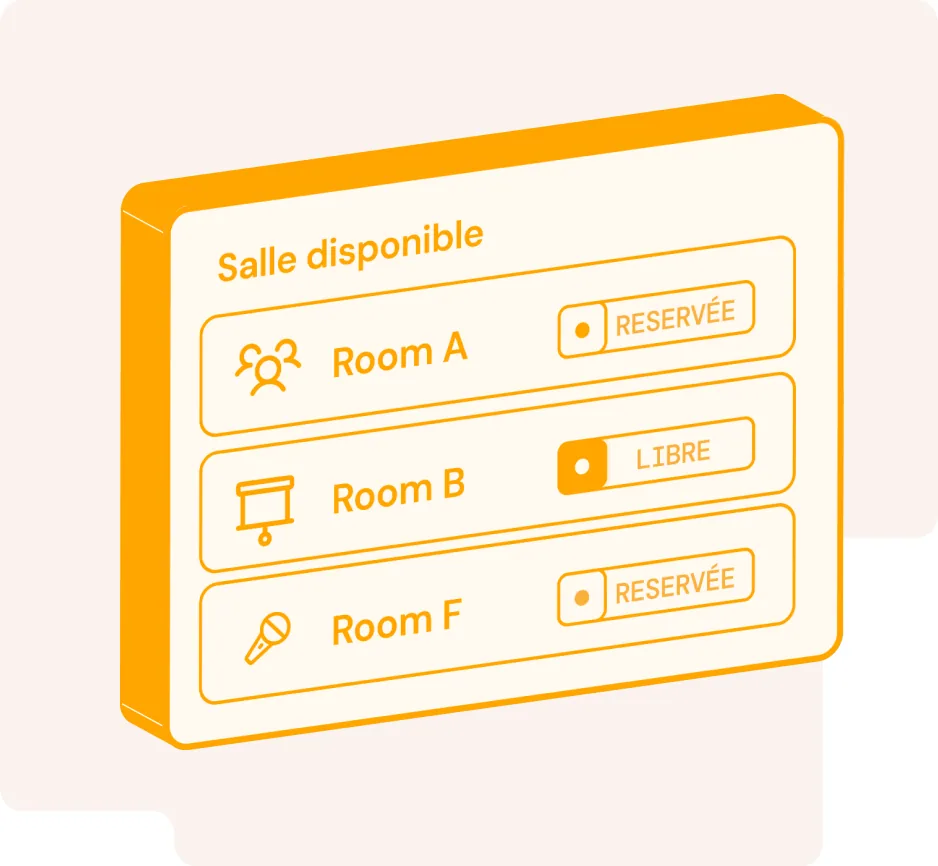
Every employee sees the exact status of rooms when they need it: available, occupied, or booked in ten minutes. Rooms can be filtered by site, capacity or equipment (screen, video conferencing, whiteboard), which avoids booking an eight-person room for a two-person catch-up. Booking takes a few clicks from a computer, mobile or tablet installed outside the room, with no need to ask facilities to check availability.
Outlook and Teams synchronisation
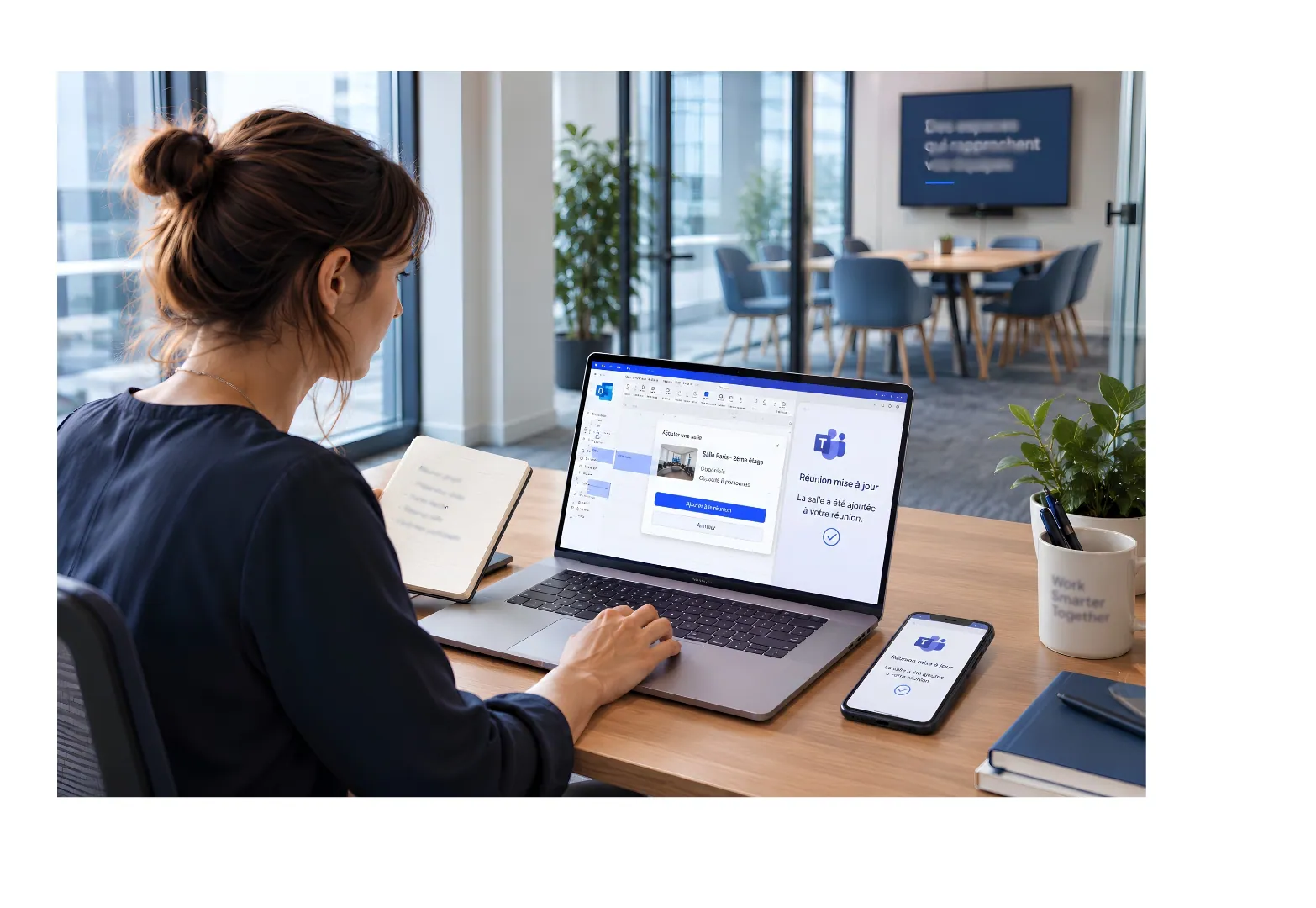
Room booking only makes sense if it lives in the tools your teams already use. Native synchronisation with Outlook and Teams lets employees add a room directly from a meeting invitation, with no re-entry and no switching between applications. The room appears in every participant's calendar, the video conferencing link is attached automatically, and any change or cancellation is reflected on both sides. Teams keep their working habits; the software adapts to Microsoft 365, not the other way round.
Automatic alert in the event of a conflict
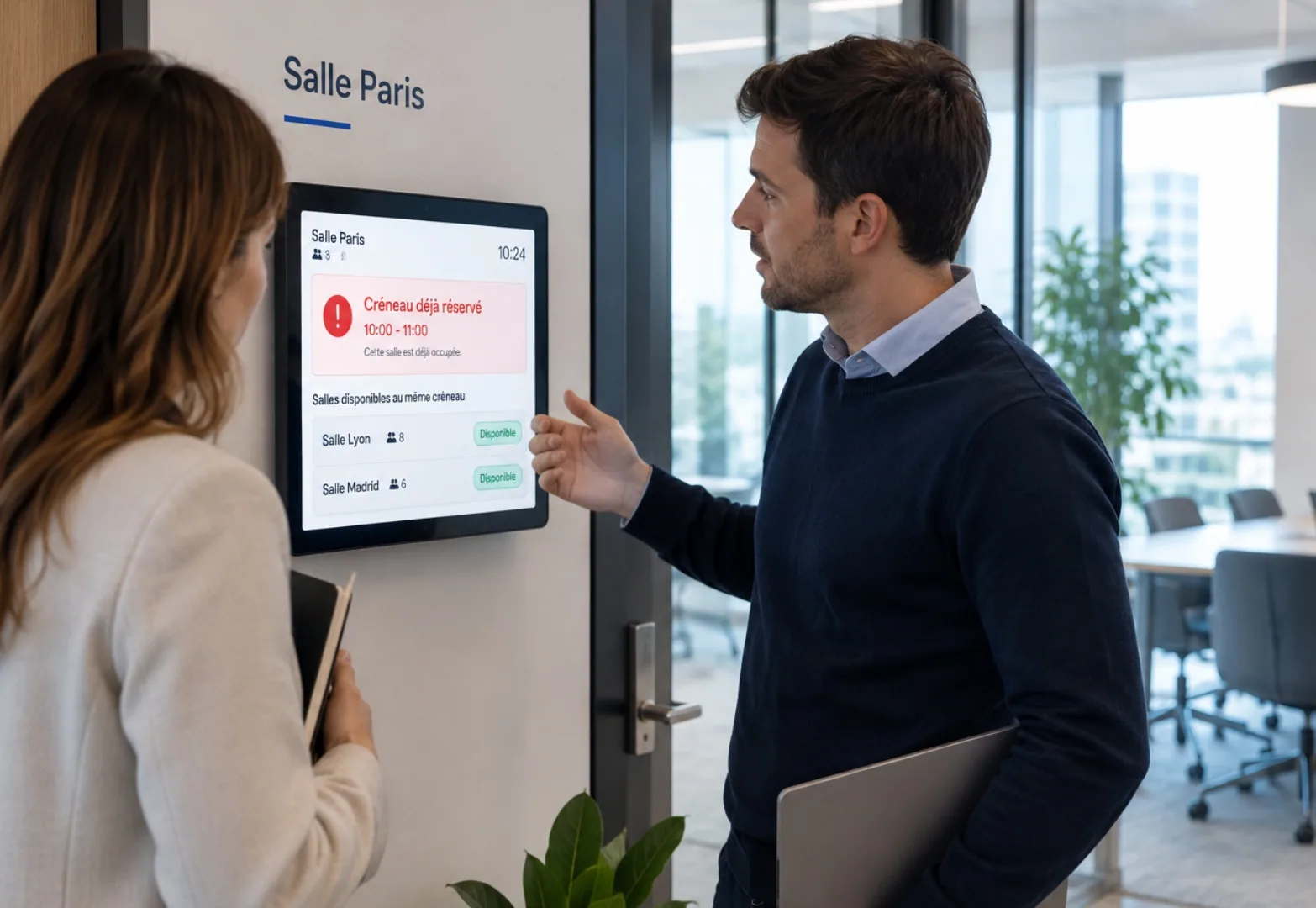
This is the heart of the matter: as soon as a booking attempt clashes with a slot that is already taken, the system blocks the double booking or alerts the organiser immediately, before the conflict reaches the meeting room. Equivalent rooms available for the same slot can be suggested as alternatives, which avoids last-minute improvisation and meetings that start late for want of a room.
Related features
Book a demoHow does meeting room booking software prevent double bookings?
All rooms share a single reference calendar that is updated in real time. If someone requests a time slot that is already booked, the request is declined or flagged to the organiser, who is shown similar rooms available at the same time.
Does the software synchronise with Outlook and Teams?
Yes. You can add a room directly from an Outlook or Teams invitation without entering the details twice. It appears in every participant's calendar, the video meeting link is added automatically, and any changes or cancellations are synchronised both ways.
How long does it take to deploy a meeting room booking system?
The timeline depends on the number of sites and rooms, as well as the integrations you need. We provide a tailored estimate during the demonstration once we understand the scope of your project.
Can I book a room from a mobile or a tablet outside the room?
Yes. You can book from a computer, mobile or tablet installed at the room entrance. The on-site display shows the room's current status and lets you book the next time slot in seconds.
What happens if an employee does not turn up to a booked meeting room?
An unconfirmed booking can be released automatically after a period that you define. The room then becomes available to other teams, and the no-show rate remains visible in the occupancy statistics.
How can I see Outlook and Teams synchronisation and conflict alerts working with my rooms?
Book a demo and we will recreate the journey using a representative selection of your sites and rooms, including Microsoft 365 synchronisation.