

Digital security logbook: report and track security incidents
56% of security leaders surveyed have seen an increase in physical security incidents over the past 12 months.
Source: Mitie, Security Radar, July 2026. UK survey of security professionals

Key benefits
Simplify the follow-up of safety and security incidents
Your security officers log events as soon as they happen. Every incident is recorded in the digital security logbook, giving you clear, accurate follow-up across all your sites.
Day to day
-
Report an incident on the ground
Intrusion, alarm, forced door or anomaly: the officer records the event immediately from their smartphone, tablet or workstation.
-
Add photos to the incident report
Complete each event with photos and useful information to document the situation accurately.
-
Alert the relevant managers
Important events can trigger a notification to quickly inform the people concerned.
-
Find every event in the occurrence book
Date, time, location and author are recorded to keep an accurate history of security events.
-
Monitor security across all your sites
Centralise the occurrence books of several sites and find events in a single interface.

Report an incident as soon as it happens
During a patrol or from the security control room, the officer logs exactly what they observe: intrusion, forced entry, alarm or anomaly. They specify the location, add a photo if needed and pass the information on to the people concerned.


Log events during your security patrols
From their smartphone or tablet, the security officer records the events observed during their patrol: anomaly, forced entry, alarm, damage or incident on site.
Document every event
Add a description and photos to keep the information needed to follow up the incident.
Keep an accurate record of the response
Each entry is linked to a date, a time, a location and the officer who recorded it.

Report a problem in a few clicks
A blown light bulb, a water leak or broken air conditioning? The employee describes the problem and indicates where it is located to make the intervention easier.
Describe the problem
Specify the fault and add a photo to help the team understand the situation.
Indicate where to intervene
Select the building, floor or area concerned to route the request to the right team.
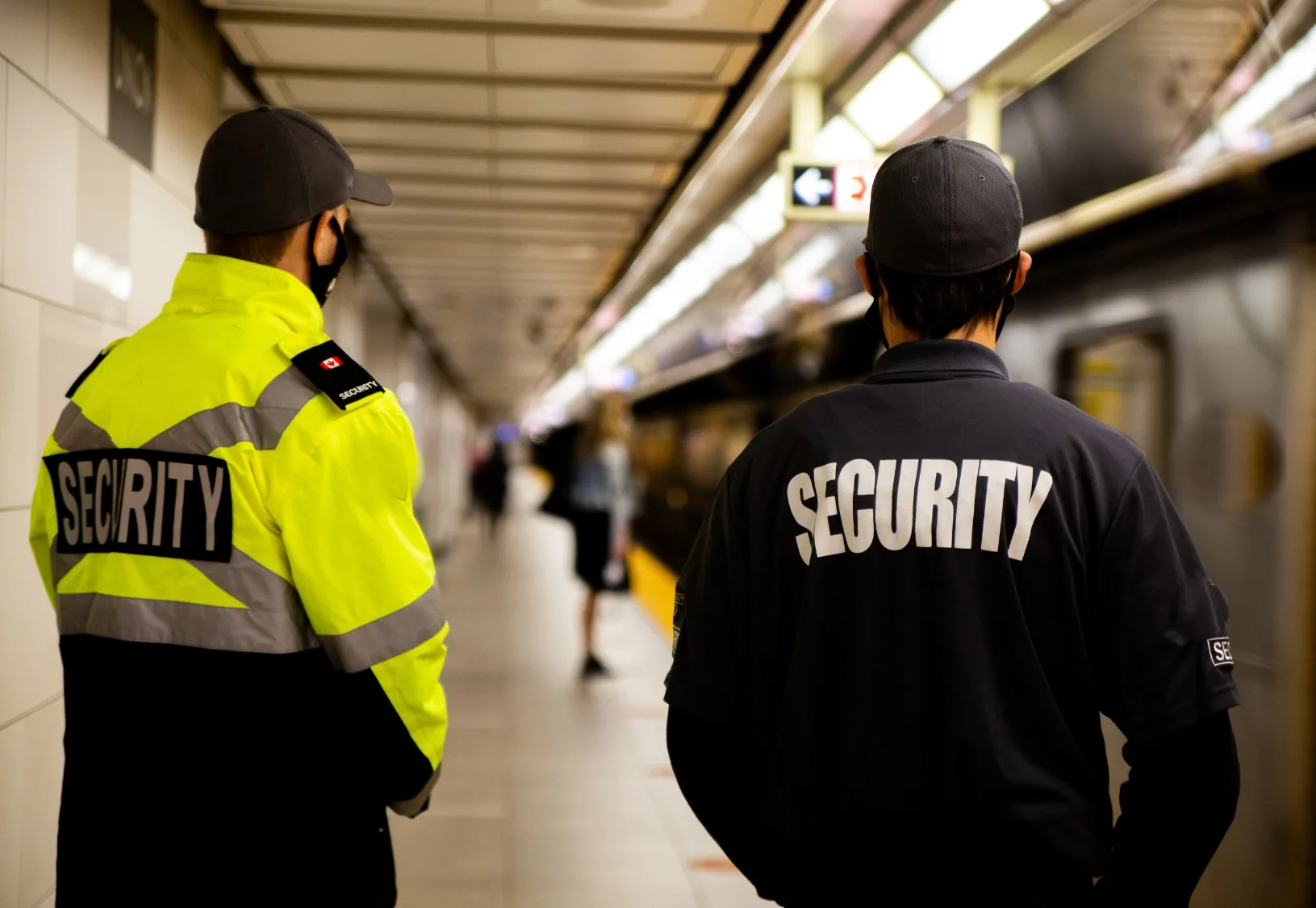
Alert managers as soon as a security incident occurs
When a security officer reports a significant event in the digital security logbook, the information is immediately available to the relevant managers. They can follow the situation and coordinate the actions to be taken.
Pass on security incidents quickly
Share useful information with the people concerned to make it easier to handle the incident.
Track the actions taken
Find the event and its associated information in the occurrence book to follow how it is handled.

Find your incident history in a security incident log
Every event recorded by security officers remains accessible in the occurrence book. Find the logged information to analyse an incident, prepare a report or search for a past event.
See who reported what and when
View the date, time, location, author and information associated with each event.
Make your security reports easier
Use the event history to retrieve the facts and prepare your incident reports.
FAQ
Frequently asked questions about the digital security logbook
Cannot find your answer?
Contact usWhat is a digital security logbook?
A digital security logbook lets security officers record and track events that occur on a site: incidents, anomalies, alarms, patrols or call-outs. Each event is time-stamped and kept in a searchable history.
What is the difference between a paper occurrence book and a digital security logbook?
A digital security logbook replaces the paper register with digital event tracking. Officers can log incidents in the field, add information or photos and quickly share events with the relevant managers.
How does a security officer report an incident?
The officer records the event from their workstation or mobile, specifies the location and circumstances and can add photos. The incident is then logged in the digital security logbook with its date and time.
Can you access the history of security incidents?
Yes. Recorded events remain available in the security logbook, so you can retrieve the facts, their date, time, location and author, for example to prepare a report or analyse an incident.
How can security officers be guided during an incident?
Officers have direct access to the security guides and instructions stored in the platform, so they can apply the right procedure for each incident.