

Hybrid workplace: who is in the office in real time?
3.7 days a week: that is now the average expected office attendance. See who is on site or working remotely and coordinate on-site days with ease.
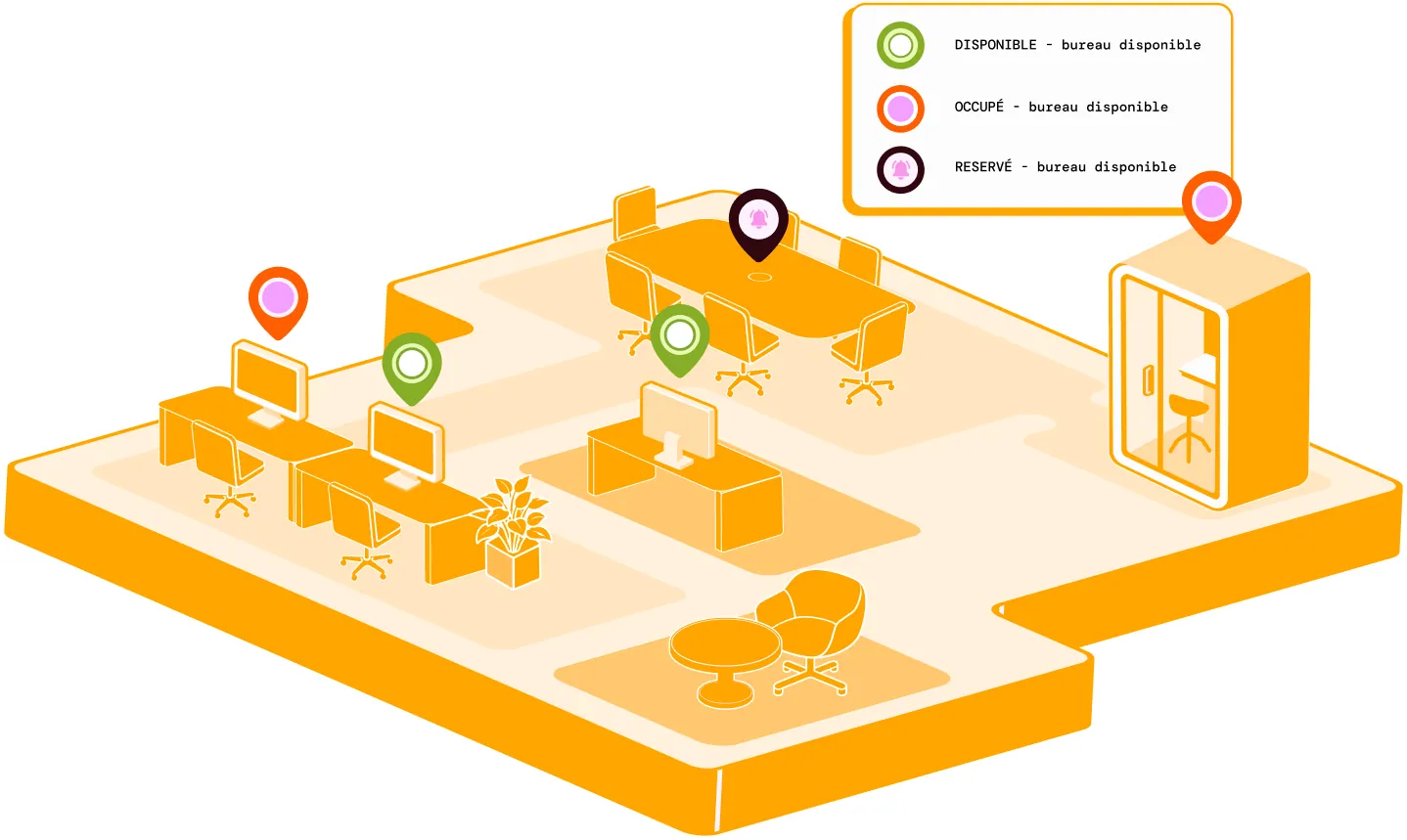
Key benefits
How do you organise office days in a hybrid workplace?
Give everyone a clear view of office and remote-working days to coordinate teams more effectively day to day.
Day to day
-
Declare your office or remote days
Plan your week simply to suit your organisation.
-
Find your schedule in Outlook and Teams
Bring attendance into the tools your teams already use, without adding more apps.
-
See who will be in the office
Check your colleagues' office days before planning your visit.
-
Change your schedule at any time
Easily update your office days when your plans change.
-
Anticipate office attendance
View attendance trends by site or team to organise your spaces more effectively.
Workplace attendance: reliable occupancy data, even for short visits
With hybrid working, many office visits last only a few hours. Read from badge data alone, they distort the occupancy rate and trigger unsuitable rules, such as withdrawing a meal voucher.
Hamilton Apps cross-references declared attendance with arrivals and departures. Released spaces become available again, and your HR teams have reliable occupancy data without individual tracking.


Remote working: see who will be in the office before you travel
Each employee declares their office or remote-working days. The shared schedule then shows who will be present, so you can choose the right days to meet on site.

Hybrid workplace software: declare your attendance from your calendar
From your calendar or your mobile, set your status: in the office, working remotely or travelling. The shared schedule updates automatically, organised by team and across multiple sites.
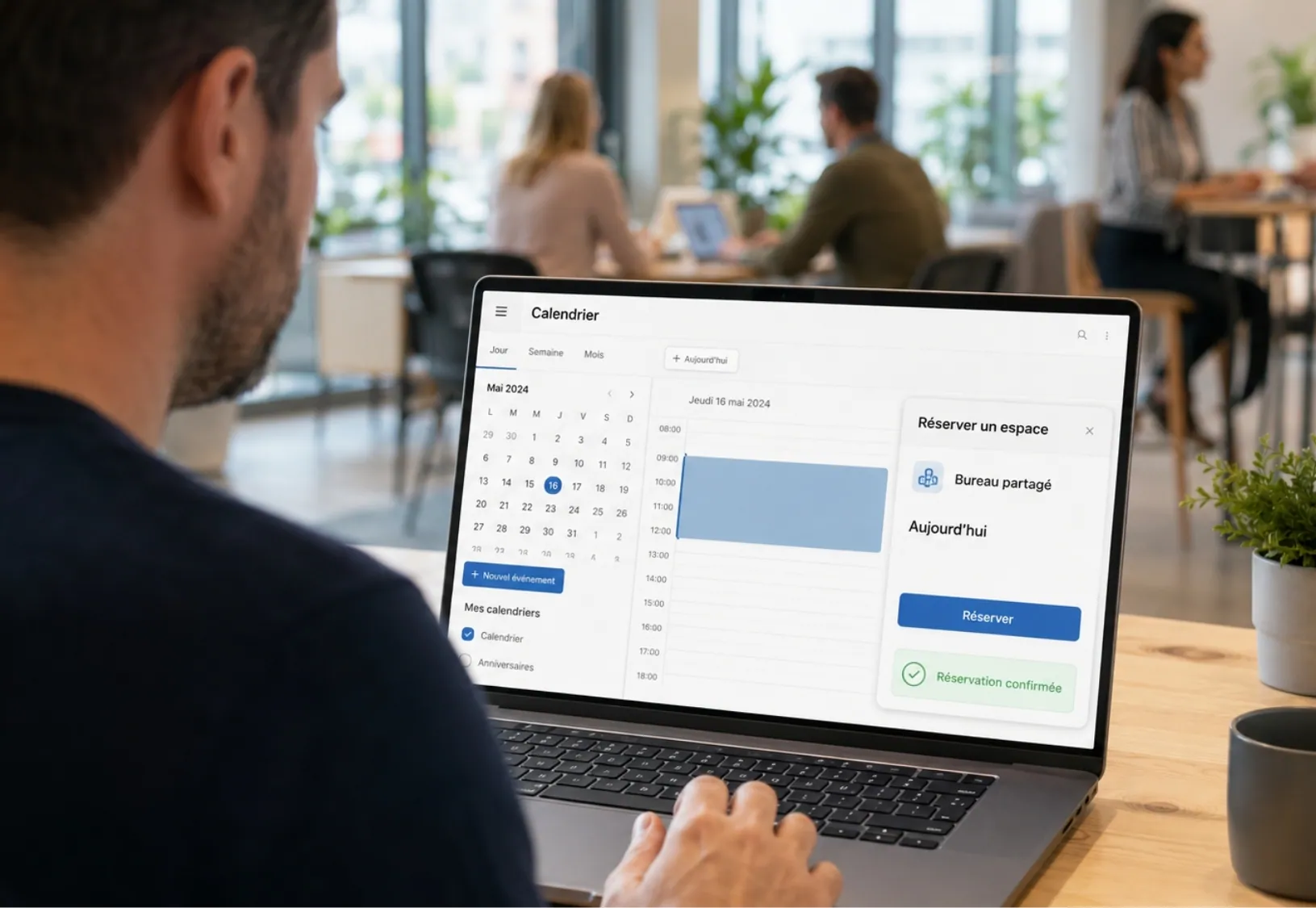
Synchronise attendance with Outlook and Teams
Employees declare and view their office days directly in Outlook and Teams.
With SSO and Azure AD, they use their usual credentials and access the shared schedule with ease.
How are my hybrid working rules applied automatically?
The attendance days, quotas and rotations defined by your organisation are applied automatically to every declaration, with no re-entry or manual checks.
Can employees book their desk when remote working as well as in the office?
Yes, booking works for both statuses, on site or remote, from the same interface.
Do I need an extra tool to track the hybrid attendance rate?
No. The data builds on the attendance declarations and the bookings already recorded, with no export or re-entry.
Can attendance data be used to track a specific employee?
No. Statistics remain aggregated by team, site or period, never linked to an individual.
Does this declaration replace a remote-working agreement negotiated with employee representatives?
No. The tool provides operational attendance information, without replacing a collective agreement or its remote-working eligibility rules.