Home > Uncategorized > The 10 advantages of office software for users

10 benefits of desktop software for the user

Windows-compatible desktop software enables flexibility of workstations and meeting rooms, reducing costs.

The office software simplifies office reservation for the user to promote concentration, integrates communication and project management tools for greater efficiency, and facilitates remote working.

1. Productivity thanks to user-friendly desktop software

Office administration software offers a wide range of tools for optimizing productivity within companies.

Automating repetitive tasks frees up valuable time, allowing employees to concentrate on more strategic activities.

What's more, integrated time and task management helps plan and track activities, reducing stress and improving concentration.

Finally, by providing real-time access to relevant data, these office software applications enable users to make more informed and responsive decisions.

2. Transform your desktop with user-friendly software

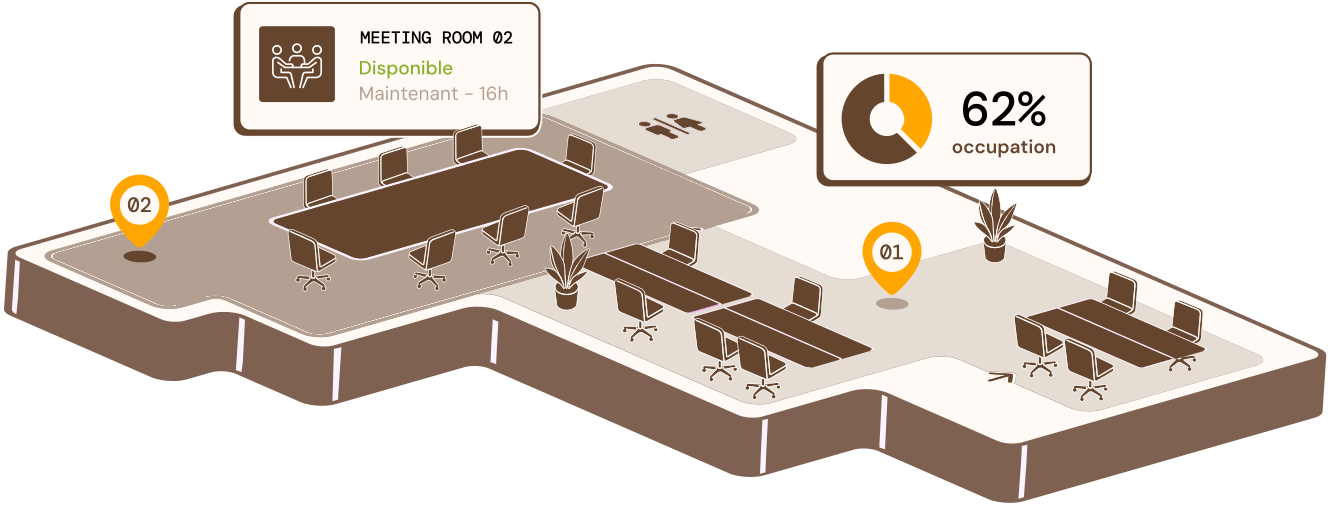
Office organization software offers a complete solution for users. It tracks office occupancy in real time, reducing unnecessary real estate costs.

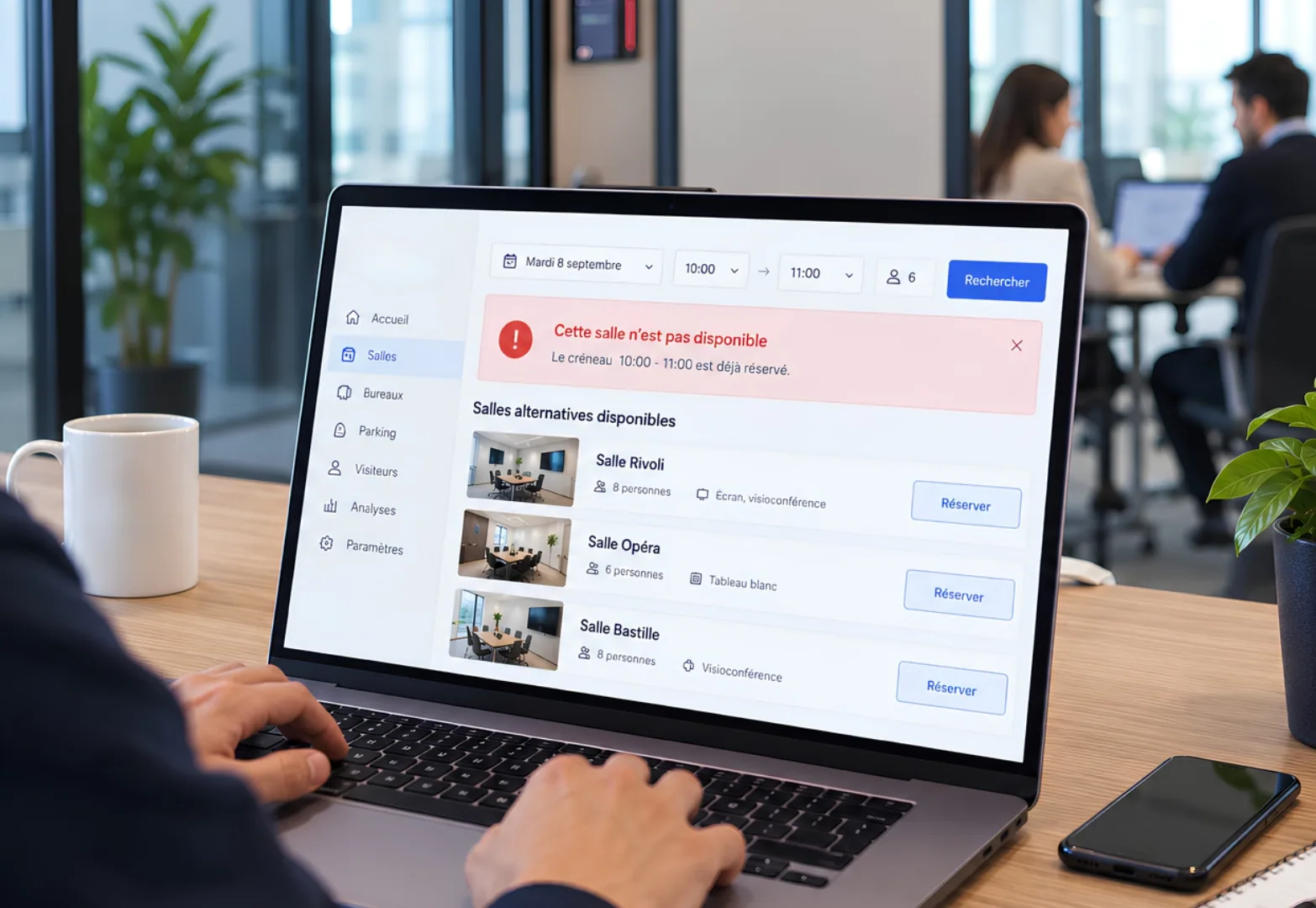
By facilitating the booking of users' desks and integrating communication software, it encourages collaboration and communication between teams.

What's more, the software provides users with real-time information on office utilization, enabling them to better plan their working day.

By collecting data on space usage and user satisfaction, it helps managers make informed decisions to improve the working environment.

3. Simplify everyday office tasks with software

Office space management software simplifies users' daily tasks by automating processes and centralizing information:

  • Task and project management: easily create and assign tasks, monitor progress and manage dependencies.
  • Workflow automation: Reduce time and errors for users by automating repetitive tasks.
  • Document management: Centralized storage, access control, modification tracking and versioning.

The office software also offers users other functionalities that make daily tasks easier, such as contact management, appointment management, database management and much more.

4. Meeting every user's needs with desktop software

Desktop software offers extensive customization to meet the individual needs of each user, making it possible to adapt the interface, functions and keyboard shortcuts.

By adapting to workflows, the office software automates repetitive tasks, facilitates project management and promotes collaboration, with a range of advanced features such as document, e-mail, calendar and contact management also available.

By combining this customization and adaptability, office organization software enables every user to work more efficiently and achieve their professional goals.

5. Desktop software promotes communication between users

Office software lets you manage a professional space, facilitating communication and work between users.

Offering a range of features such as instant messaging, screen sharing and videoconferencing, the desktop software enables each user to collaborate on documents in real time.

6. Enhance user data security with software

In today's digital world, data security is a priority for companies and individual users alike.

The desktop software integrates user security features such as access control, encryption, authorization management, monitoring and auditing, regular backups and security updates.

The benefits are manifold: reduced data leakage, regulatory compliance, enhanced user confidence and competitive advantage.

In conclusion, office reservation software is a fundamental pillar for ensuring user comfort, data security for each user and for the company.

7. Promote monitoring and analysis of activities within the office.

Office software is essential for business users (IT, HR, etc.) to monitor and analyze activities.

By monitoring the use of workspaces, the office software enables users to improve layout by identifying the busiest areas, and reduce costs by optimizing the use of resources.

Finally, the desktop software offers features such as office reservation, the use of motion sensors to track presence, and collaboration analysis.

8. Anywhere user access to desktop software

The world of work is rapidly evolving towards greater mobility, requiring adapted solutions.

The desktop software meets this requirement by giving users access to a virtual desktop from any device.

Each user has a virtual session containing familiar applications and data. This technology offers unprecedented flexibility, enabling employees to work remotely while retaining a familiar user experience.

By promoting mobility, desktop software meets the changing needs of the professional world, ensuring optimum productivity wherever users are.

9. Support users in their software evolution

Office software plays a crucial role in professional advancement, offering a variety of features to enhance user productivity, efficiency and skills.

What's more, by centralizing and organizing information, office software facilitates rapid access to crucial data.

Office software often integrates training and skills development functions, enabling users to acquire new knowledge and improve their skills.

By providing access to knowledge databases and online communities, the desktop software also offers users valuable support for professional development.

10. Choosing the right desktop software for the user

Choosing the right Windows desktop software is crucial to improving productivity, collaboration and security in the workplace.

To make the right decision, the specific needs of the user and the organization must be taken into account.

Factors to consider include functionality requirements, compatibility with existing systems, ease of use, security, scalability and cost.

In addition, involving the user in the selection process and testing different solutions are useful practices for making the right choice.

Use case: Office booking with Deskbooking software

Hamilton Deskbooking office software offers a complete solution for booking flexible workstations. Designed to adapt to the evolving needs of companies, this tool simplifies the management of hybrid and flex office environments. Contact our experts to easily organize your office with our software.