

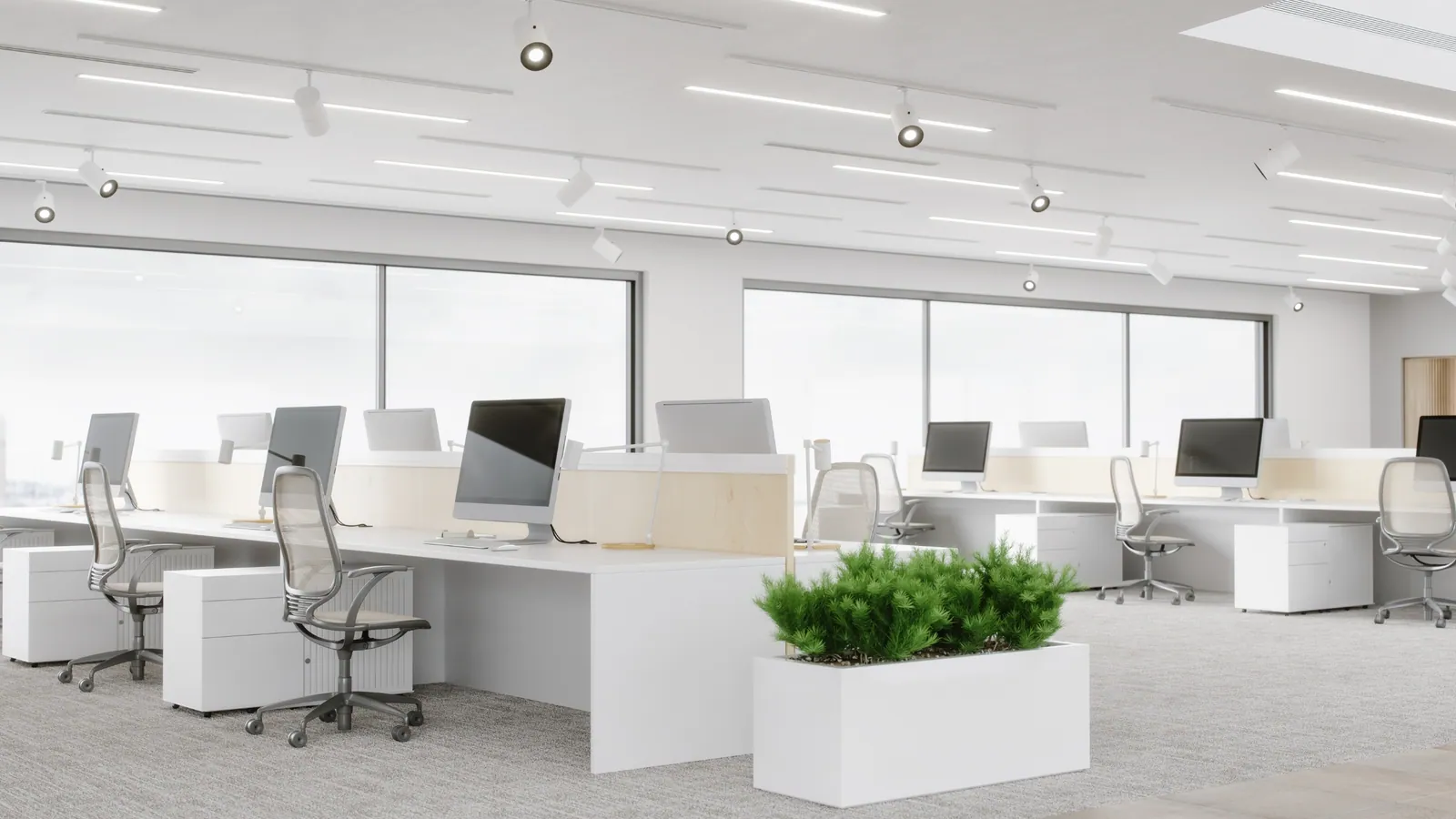
Office management software compatible with Windows brings flexibility to workstations and meeting rooms, thereby reducing costs.
Office management software makes desk booking simpler for users so they can focus, integrates communication and project management tools for greater efficiency, and makes remote working easier.
1. Productivity for users through office management software
Office administration software provides a wide range of tools to optimise productivity within organisations.
Automating repetitive tasks frees up valuable time, allowing employees to concentrate on more strategic activities.
In addition, built-in time and task management helps users plan and track activities, reducing stress and improving concentration.
Finally, by providing real-time access to relevant data, this office software enables users to make better-informed, more responsive decisions.
2. Transform your office with software that works for users
Office organisation software offers a complete solution for users. It makes it possible to track desk occupancy in real time, thereby reducing unnecessary property costs.
By making desk booking easier for users and integrating communication software, it encourages collaboration and communication between teams.
Moreover, the software gives users real-time information on desk utilisation, enabling them to plan their working day more effectively.
By collecting data on space utilisation and user satisfaction, it helps managers make informed decisions to improve the working environment.
3. Simplify everyday office tasks with software
Office space management software simplifies users’ everyday tasks by automating processes and centralising information:
- Task and project management: easily create and assign tasks, track their progress and manage dependencies.
- Workflow automation: save users time and reduce errors by automating repetitive tasks.
- Document management: centralised storage, access control, change tracking and versioning.
Office software also offers users other features that make day-to-day tasks easier, such as managing contacts, appointments, databases and more.
4. Meet every user’s needs with office management software
Office software offers extensive customisation to meet each user’s individual needs, allowing the interface, features and keyboard shortcuts to be adapted.
By adapting to workflows, office software automates repetitive tasks, simplifies project management and encourages collaboration, notably through a range of advanced features such as document, email, calendar and contact management, which are also available.
By combining this customisation and adaptability, office organisation software enables every user to work more efficiently and achieve their professional goals.
5. Office software encourages communication between users
Office software makes it possible to manage a professional space that makes communication and work between users easier.
Offering a variety of features such as instant messaging, screen sharing and video conferencing, office software enables users to collaborate on documents in real time.
6. Strengthen user data security with software
In today’s digital world, data security is a priority for organisations and for every user.
Office software includes security features for users, such as access control, encryption, permissions management, monitoring and auditing, regular backups and security updates.
The benefits are many: fewer data leaks, regulatory compliance, greater user trust and a competitive advantage.
In conclusion, desk booking software is a fundamental pillar for ensuring user comfort and the security of the data of every user and of the organisation.
7. Support the tracking and analysis of activity in the office
Office software is essential for users across different functions (IT, HR, etc.) to track and analyse activity.
By monitoring how workspaces are used, office software enables users to improve the layout by identifying the busiest areas, and to reduce costs by optimising the use of resources.
Finally, office software provides features such as desk booking, the use of motion sensors to track presence, and collaboration analysis.
8. Access to office software from anywhere for users
The world of work is rapidly moving towards greater mobility, which calls for suitable solutions.
Office software meets this demand by giving users access to a virtual desktop from any device.
Each user has a virtual session containing their usual applications and data. This technology offers unprecedented flexibility, allowing employees to work remotely while keeping a familiar user experience.
By supporting mobility, office software meets the changing needs of the professional world, ensuring optimal productivity wherever users are based.
9. Help users develop with the support of software
Office software plays a crucial role in career progression by offering a variety of features that improve users’ productivity, efficiency and skills.
Furthermore, by centralising and organising information, office software provides quick access to crucial data.
Office software often includes training and skills development features, allowing users to gain new knowledge and improve their skills.
By providing access to knowledge bases and online communities, office software also gives users valuable support for their professional development.
10. Choose the right office software for your users
Choosing suitable office software for Windows is crucial to improving productivity, collaboration and security within an organisation.
To make the right decision, you need to take into account the specific needs of users and of the organisation.
Factors to consider include the features required, compatibility with existing systems, ease of use, security, scalability and cost.
In addition, involving users in the selection process and testing different solutions are useful practices for making the right choice.
Use case: desk booking with Deskbooking software
Hamilton Deskbooking, our office software, offers a complete solution for booking flexible workstations. Designed to adapt to organisations’ changing needs, this tool simplifies the management of hybrid and flexible office working environments. Contact our experts to organise your office easily with our software.